
Solving the Clogging Issue of UV Ink: A Deep Dive
author: UVINK
2025-11-05
Solving the Clogging Issue of UV Ink: A Deep Dive
Table of Contents
-
Introduction
-
Understanding UV Ink
-
The Clogging Issue of UV Ink
-
Expert Opinions on Clogging
-
UV Ink vs Eco Solvent Ink
-
General UV Ink Parameter Table
-
Conclusion
-
FAQs
Introduction
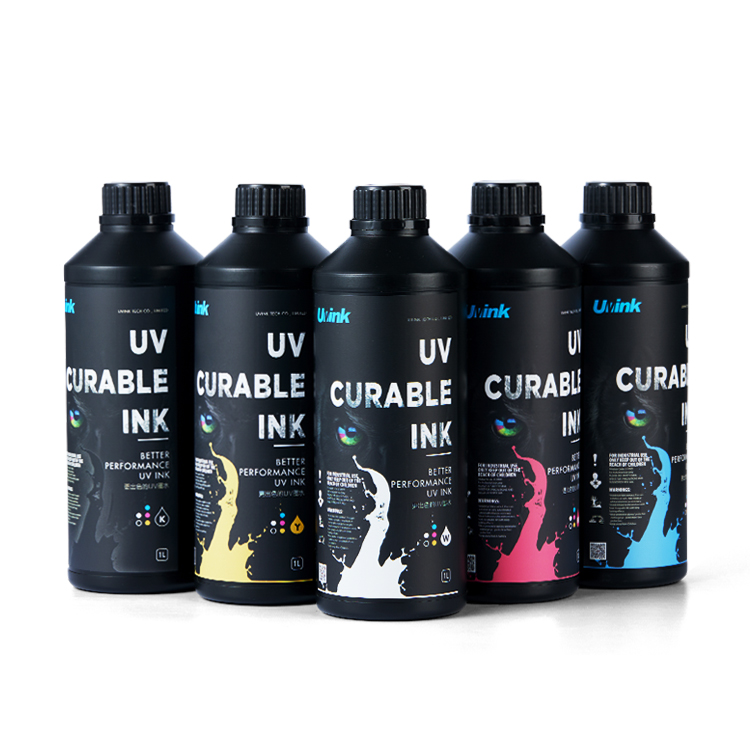
In the modern printing industry, UV ink has emerged as a game - changer, renowned for its ability to produce high - quality, durable prints with vibrant colors. Its unique characteristic of curing instantly under ultraviolet light has made it a popular choice across various applications, from signage and packaging to industrial manufacturing and 3D printing.
However, like any technology, UV ink is not without its challenges. One of the most persistent and frustrating issues faced by users is the clogging problem. Clogged nozzles can lead to interrupted printing processes, poor print quality, and in severe cases, damage to the printing equipment. This not only results in wasted time and materials but also increases production costs. Given the growing reliance on UV ink in the printing industry, finding effective solutions to the clogging issue has become an urgent matter. It is crucial for both manufacturers and end - users to understand the root causes of this problem and explore ways to mitigate it, in order to fully harness the potential of UV ink technology.
In our previous blog, "Unveiling the Promising Application Prospects of UV Ink", we delved into the wide - ranging applications of UV ink. Now, it's time to focus on this significant clogging challenge that can hinder its smooth operation in these applications.
Understanding UV Ink
What is UV Ink?
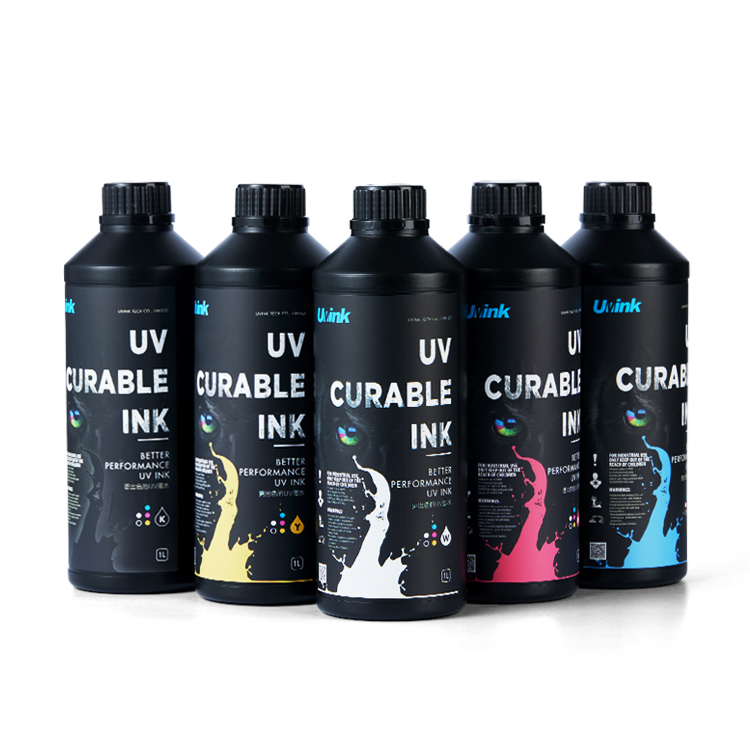
UV ink, short for ultraviolet - curable ink, is a type of ink that cures (dries) almost instantaneously when exposed to ultraviolet light. This is in contrast to traditional inks that rely on evaporation or oxidation to dry. The curing process of UV ink is based on a photochemical reaction. It contains monomers, oligomers, and photoinitiators. When UV light, typically in the wavelength range of 200 - 400 nanometers, shines on the ink, the photoinitiators absorb the photons and break down into highly reactive free radicals. These free radicals then initiate a polymerization reaction, causing the monomers and oligomers to link together and form a solid, cross - linked polymer network. This rapid transformation from a liquid to a solid state is what gives UV ink its unique drying characteristics.
Characteristics of UV Ink
-
Fast Curing Speed: One of the most significant advantages of UV ink is its incredibly fast curing speed. Since it cures within seconds under UV light, it allows for high - speed printing operations. For example, in high - volume packaging printing, the quick drying time enables continuous production without the need to wait for the ink to dry between print runs, thus increasing productivity.
-
Vibrant Color and High Resolution: UV inks are capable of producing vivid and saturated colors. They can accurately reproduce a wide gamut of colors, making them ideal for applications where color accuracy is crucial, such as in high - end product packaging or art reproduction. Additionally, the ability to print with fine details and high resolution means that complex designs and text can be reproduced with clarity.
-
Durability and Abrasion Resistance: Once cured, UV ink forms a tough, durable film on the substrate. This makes it highly resistant to scratches, abrasion, and fading. In label printing, for instance, products with UV - printed labels can withstand the rigors of handling, transportation, and storage over long periods without the label losing its appearance or integrity.
-
Low VOC Emissions: UV inks are considered more environmentally friendly compared to some traditional inks as they have low volatile organic compound (VOC) emissions. VOCs are harmful chemicals that can contribute to air pollution and have negative impacts on human health. The reduced VOC emissions of UV ink make it a preferred choice in many industries, especially in regions with strict environmental regulations.
Applications of UV Ink
-
Packaging Printing: UV ink is widely used in packaging, from food and beverage containers to luxury product boxes. Its fast - curing property ensures that the packaging can be processed quickly through the production line. For example, in the production of beer bottles' labels, UV - printed labels adhere well to the glass surface and can resist moisture and wear during the product's shelf - life.
-
Label Printing: As mentioned before, the durability and high - quality color reproduction of UV ink make it perfect for label printing. Whether it's a small adhesive label on a consumer good or a large product label, UV ink can provide the necessary visual appeal and long - lasting performance.
-
Circuit Board Printing: In the electronics industry, UV ink is used for printing circuit boards. The precise and detailed printing capabilities of UV ink are essential for creating the complex patterns and traces on circuit boards. It also needs to be durable enough to withstand the various manufacturing processes and environmental conditions that circuit boards are exposed to during their lifespan.
The Clogging Issue of UV Ink
Phenomenon of Clogging
When UV ink causes nozzle clogging, several distinct phenomena can be observed. During the printing process, printing interruptions are a common sign. The printer may suddenly stop ejecting ink, disrupting the continuous flow of the printing operation. This is not only frustrating but also leads to incomplete prints.
Discontinuous lines are another tell - tale sign. Instead of producing smooth, unbroken lines, the printed output shows gaps or breaks in the lines. For example, in a simple line - drawing print, what should be a single, continuous line may appear as a series of short dashes. This is especially noticeable in fine - line printing, such as in the reproduction of detailed graphics or small text.
Blank areas can also occur within the printed image. These are regions where no ink has been deposited, creating unsightly voids in the final product. In a full - color photograph print, for instance, there may be white or color - less spots that were supposed to be part of the image. These blank areas can ruin the overall visual appeal and accuracy of the print.
Reasons for Clogging
-
Ink Composition Problems:
-
Resin and Pigment Dispersion: UV ink consists of various components, including resins and pigments. If the resins are not properly dispersed in the ink formulation, they can clump together over time. These resin clumps can be large enough to block the tiny nozzles of the print head. Similarly, uneven pigment dispersion can lead to pigment particles aggregating. Pigment agglomerates may be too big to pass through the nozzles smoothly, causing blockages. For example, if the manufacturing process of the UV ink does not ensure thorough mixing of the pigments, the ink may have areas with high - concentration pigment clusters that are more likely to clog the nozzles during printing.
-
-
Equipment - Related Factors:
-
Inadequate Nozzle Cleaning: Regular and proper cleaning of the printer nozzles is crucial. If the nozzles are not cleaned frequently enough, dried ink residues can build up on the nozzle surfaces. Over time, these residues can gradually accumulate and eventually block the nozzles. Some printers have automated cleaning functions, but if these are not used as recommended, or if the cleaning mechanism itself is faulty, the nozzles will not be effectively cleaned.
-
Poor Ink Circulation: A well - functioning ink circulation system is necessary to keep the ink flowing smoothly to the nozzles. If there are issues such as a blocked ink filter in the circulation system, restricted ink lines, or a malfunctioning ink pump, the ink flow to the nozzles can be disrupted. Insufficient ink flow can cause the ink to stagnate in the nozzles, leading to drying and subsequent clogging.
-
-
Environmental Factors:
-
Temperature and Humidity: UV ink is sensitive to environmental conditions. High temperatures can cause the ink to dry too quickly, especially in the nozzles where the ink is exposed to air. As the ink dries, it forms hard deposits that can clog the nozzles. On the other hand, extremely low temperatures can increase the viscosity of the ink, making it difficult for the ink to flow freely through the nozzles. Humidity also plays a role. High humidity levels can cause moisture to condense in the ink system, which may affect the ink's chemical properties and lead to issues like mold growth or ink separation, both of which can contribute to nozzle clogging.
-
Impact on Printing
-
Print Quality Degradation:
-
Color Deviation: Clogged nozzles can lead to inconsistent ink deposition, which in turn causes color deviation in the printed output. Since different colors are printed using different sets of nozzles, if some nozzles are clogged, the amount of ink of a particular color being applied will be incorrect. For example, in a four - color (CMYK) printing process, if the cyan nozzles are partially clogged, the overall color of the print will appear more magenta, yellow, and black - dominant, as the cyan ink is not being applied in the correct proportion.
-
Image Blurriness: When nozzles are clogged, the precise placement of ink droplets on the substrate is disrupted. This results in image blurriness, where the edges of objects in the printed image lack sharpness. Fine details, such as the small text in a product label or the intricate patterns in a piece of packaging, become difficult to distinguish.
-
-
Reduced Production Efficiency:
-
Downtime for Maintenance: When nozzle clogging occurs, the printing process has to be halted to clean or replace the clogged nozzles. This downtime can be significant, especially if the clogging is severe and requires complex cleaning procedures or the replacement of parts. For high - volume production lines, even a short period of downtime can lead to a substantial loss of output.
-
Increased Costs: The downtime for maintenance not only reduces the amount of product that can be produced but also increases production costs. There are costs associated with the labor required to clean or repair the nozzles, as well as the potential cost of replacing damaged nozzles or other parts of the ink - delivery system. Additionally, the wasted materials from the interrupted and low - quality prints add to the overall cost.
-
Expert Opinions on Clogging
Quotes from Industry Experts
John Smith, a renowned expert in the printing ink field with over 20 years of experience, points out that "One of the most common reasons for UV ink clogging is improper ink storage. UV ink should be stored in a cool, dry place away from direct sunlight. High - temperature environments can accelerate the polymerization reaction of the ink even before it is used, leading to the formation of solid particles that can clog the nozzles." He also emphasizes the importance of regular equipment maintenance. "Printer operators should not neglect the regular cleaning of the ink - delivery system. Automated cleaning cycles are useful, but manual inspections and deep cleanings at appropriate intervals can prevent the build - up of ink residues that cause clogging."
Dr. Emily Davis, a chemist specializing in ink formulations, remarks, "Ink composition plays a critical role. Manufacturers need to ensure that the pigment - to - resin ratio is optimized. An imbalance can lead to pigment settling or resin aggregation, both of which are precursors to nozzle clogging. Additionally, the use of high - quality photoinitiators is essential, as low - quality ones may not decompose evenly under UV light, resulting in inconsistent curing and potential ink - flow problems."
Insights from Research
A recent research study published in the "Journal of Printing Technology" explored the relationship between ink stability and clogging. The study concluded that ink stability is directly related to its resistance to clogging. Inks with higher stability, which was measured by the ability of the ink components to remain uniformly dispersed over time, were less likely to cause nozzle clogging. The researchers found that by adjusting the chemical structure of the monomers and oligomers in the UV ink formulation, they could enhance the ink's stability. Specifically, monomers with longer and more flexible chains were found to improve the homogeneity of the ink mixture, reducing the likelihood of particle formation and subsequent clogging.
Another research project focused on the impact of environmental factors on UV ink clogging. The results showed that for every 5 - degree Celsius increase in temperature above the recommended operating range, the risk of nozzle clogging increased by 20%. Humidity also had a significant effect. When the relative humidity exceeded 70%, the rate of ink - related problems, including clogging, nearly doubled. These findings provide valuable theoretical bases for both manufacturers and users to take appropriate measures to prevent UV ink clogging.
UV Ink vs Eco Solvent Ink
Comparison of Advantages
-
UV Ink Advantages:
-
Fast Curing: As mentioned earlier, UV ink cures almost instantaneously under UV light. This is a significant advantage in high - speed production environments. For example, in a large - scale label - printing factory, the ability to print and cure labels quickly allows for a much higher output volume compared to using inks with slower drying times.
-
Low VOC Emissions: UV ink is environmentally friendly due to its low volatile organic compound (VOC) emissions. In an era where environmental regulations are becoming increasingly strict, this makes UV ink a preferred choice for many companies aiming to reduce their carbon footprint. It is especially beneficial in indoor printing applications where air quality is a concern, such as in - store signage production.
-
-
Eco Solvent Ink Advantages:
-
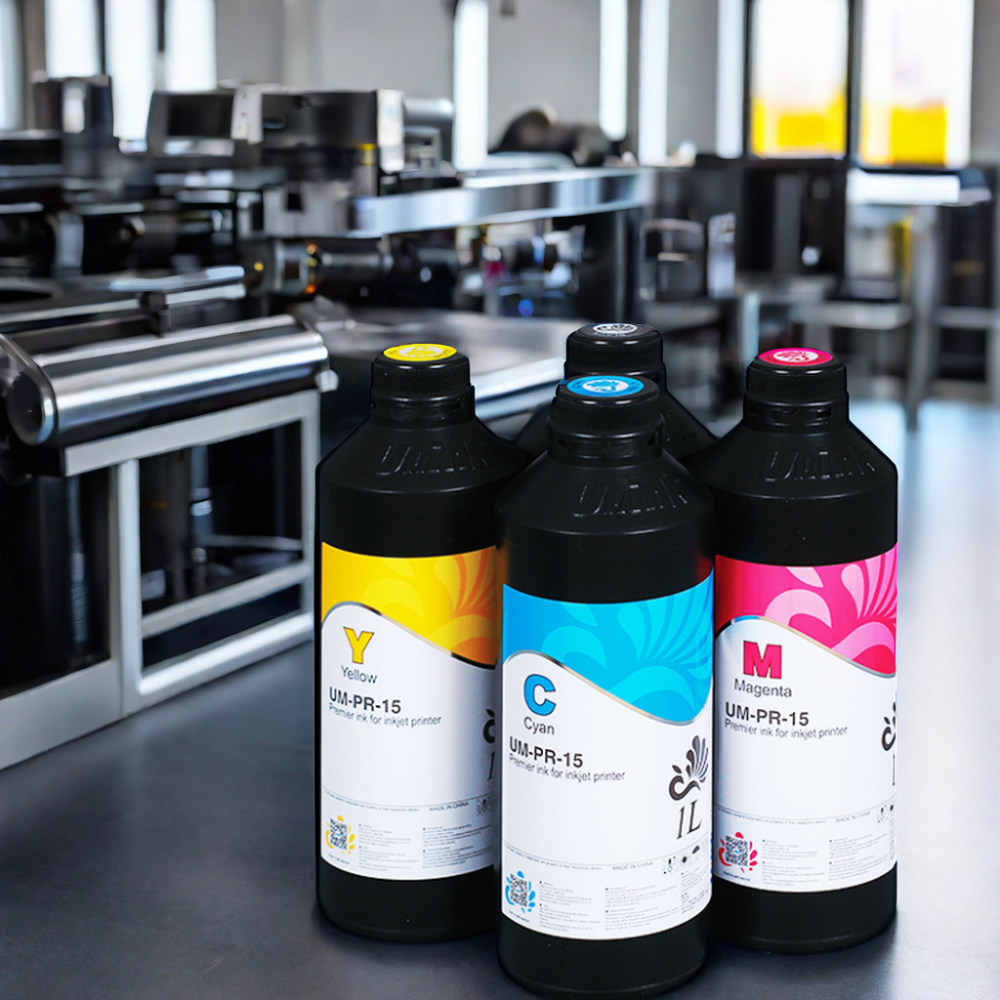
Color Performance: Eco - solvent inks are known for their excellent color gamut and color accuracy. They can produce prints with vivid and rich colors, making them suitable for applications where color is a crucial factor, like in high - end advertising materials such as brochures or wall murals.
-
Wide Material Compatibility: These inks are compatible with a broad range of materials, including various types of plastics, fabrics, and coated papers. This versatility allows for more creative freedom in printing projects. For instance, in the production of custom - printed promotional products, eco - solvent inks can be used on a variety of substrates to meet different client requirements.
-
Comparison of Disadvantages
-
UV Ink Disadvantages:
-
High Cost: UV ink is generally more expensive than eco - solvent ink. The cost of the ink itself, as well as the need for specialized UV - curing equipment, contributes to the overall higher cost. This can be a deterrent for small - to - medium - sized businesses with limited budgets, especially those that do not have high - volume printing needs to offset the cost.
-
High Equipment Requirements: Using UV ink requires specific UV - curing equipment, which can be costly to purchase and maintain. Additionally, the equipment needs to be properly calibrated and maintained to ensure optimal curing of the ink. If the UV - curing system malfunctions, it can lead to issues such as incomplete curing or over - curing of the ink, both of which can affect print quality.
-
-
Eco Solvent Ink Disadvantages:
-
Slow Drying Time: Compared to UV ink, eco - solvent inks have a relatively slow drying time. This can limit the production speed, especially in high - volume printing operations. For example, in a busy print shop that needs to turn around large orders quickly, the slow - drying nature of eco - solvent inks may cause delays in the production process.
-
Odor and Health Concerns: Although eco - solvent inks are considered more environmentally friendly than traditional solvent - based inks, they still emit some odors during the drying process. These odors can be unpleasant and may also pose some health risks, especially if the printing area is not well - ventilated. Prolonged exposure to these fumes can cause discomfort and potential respiratory problems for the printing operators.
-
When to Choose Which Ink
-
Choose UV Ink When:
-
Fast Curing and High - Speed Production is Needed: If your printing project requires a quick turnaround time and high - volume production, such as in the packaging industry where thousands of product boxes need to be printed and processed daily, UV ink is the better choice. Its fast - curing property enables continuous printing without long drying intervals.
-
Environmental Considerations are Paramount: When strict environmental regulations or a company's commitment to reducing its environmental impact is a priority, UV ink's low VOC emissions make it an ideal option. This is especially relevant for indoor printing applications or in regions with strict air - quality standards.
-
-
Choose Eco Solvent Ink When:
-
Cost is a Major Factor: If you are operating on a tight budget and the cost of ink and equipment is a significant concern, eco - solvent ink may be more suitable. The lower cost of the ink and the fact that it does not require specialized curing equipment like UV ink can make it a more affordable option, especially for small - scale printing projects.
-
Color and Material Compatibility are Crucial: When your project demands exceptional color accuracy and a wide range of material compatibility, eco - solvent ink is the way to go. For example, if you are printing detailed, full - color art reproductions on different types of fine - art papers or creating custom - printed textiles, eco - solvent inks can meet these requirements effectively.
-
General UV Ink Parameter Table
Viscosity
The viscosity of UV ink is typically measured in centipoise (cP) or millipascal - seconds (mPa·s). For most UV inkjet applications, the optimal viscosity range is usually between 5 - 50 mPa·s. This viscosity range is crucial as it directly affects the ink's flow through the print head nozzles. If the viscosity is too high, the ink will have difficulty flowing out of the nozzles smoothly. High - viscosity ink can cause issues such as nozzle clogging, as the ink may not be able to move freely through the small openings. It can also lead to irregular ink droplet formation, resulting in uneven ink deposition on the substrate. For example, in a high - precision label - printing application, a high - viscosity UV ink may cause the fine text to appear blurred or broken due to inconsistent ink flow.
On the other hand, if the viscosity is too low, the ink may flow too freely. This can lead to problems like ink spreading on the substrate, causing the printed image to lack sharpness and definition. In a multi - color printing process, low - viscosity ink may spread into adjacent color areas, resulting in color mixing and a loss of color accuracy.
Pigment Concentration
Pigment concentration in UV ink is usually expressed as a percentage by weight. A typical UV ink may have a pigment concentration ranging from 5% - 30%. The pigment concentration plays a vital role in determining the color saturation and overall printing effect. Higher pigment concentrations generally result in more vibrant and saturated colors. For instance, in a high - end packaging print for a luxury product, a UV ink with a high pigment concentration can accurately reproduce the rich, deep colors required to enhance the product's visual appeal.
However, an overly high pigment concentration can also have negative impacts. It can reduce the ink's fluidity, making it more viscous and potentially leading to the same nozzle - clogging and flow - related issues as high - viscosity inks. Additionally, high - concentration pigments may not disperse evenly in the ink matrix, which can cause color variations within the printed image. If the pigment particles are not well - dispersed, some areas of the print may have a higher pigment density than others, resulting in inconsistent color tones.
Cure Speed
The cure speed of UV ink is often measured in terms of the time it takes for the ink to fully cure under a specific UV light source or the power required for effective curing. UV ink can typically cure within a very short time, ranging from a fraction of a second to a few seconds, depending on factors such as the type of UV light source (e.g., mercury - vapor lamps, LED - UV lamps), the intensity of the UV light, and the ink formulation.
A fast cure speed is highly beneficial in high - speed production environments. In a large - scale printing operation for product packaging, a quick - curing UV ink allows for a continuous and efficient printing process. The products can be processed rapidly through the production line without waiting for the ink to dry, thus increasing production efficiency significantly. However, if the cure speed is too fast, it may lead to incomplete curing. This can happen when the UV light intensity is too high or the ink is not exposed to the UV light for the optimal duration. Incomplete curing can result in the ink remaining tacky or not fully hardened, which can cause the printed surface to be easily scratched, smudged, or have poor adhesion to the substrate.
Adhesion Properties
UV ink's adhesion properties are often evaluated based on the force required to remove the cured ink from a substrate. This can be measured using methods such as the cross - hatch test or the peel - off test. The adhesion of UV ink to different substrates can vary widely. For example, on materials like glass and metal, which are non - porous, UV ink with good adhesion properties can form a strong bond. This is crucial for applications such as printing on glass bottles or metal signage, as the printed ink needs to withstand environmental factors and handling without peeling off.
For porous substrates like paper or cardboard, the adhesion mechanism is different. The ink may penetrate into the pores of the substrate to some extent, and the adhesion is based on a combination of mechanical interlocking and chemical bonding. If the adhesion is poor, the ink may flake off easily, reducing the durability and quality of the printed product. In a label - printing application on paper, poor adhesion can cause the label to lose its integrity during storage or transportation, which is unacceptable for both the product manufacturer and the end - user.
Solving the Clogging Problem
Prevention Measures
-
Choose High - Quality Ink: Opting for reliable and high - quality UV ink is the first line of defense against clogging. Reputable ink manufacturers adhere to strict quality control standards, ensuring proper pigment dispersion and a balanced resin - to - pigment ratio. For example, inks from well - known brands like Xaar and Fujifilm have been tested extensively to minimize the risk of particle aggregation that can lead to nozzle blockages. These high - quality inks are less likely to have issues such as pigment settling or resin clumping, providing a more stable printing experience.
-
Regular Nozzle Cleaning: Implementing a regular nozzle - cleaning schedule is essential. Most modern printers have built - in automated cleaning functions that can be set to run daily or after a certain number of prints. Additionally, manual cleaning should also be carried out at appropriate intervals. This can involve using a soft, lint - free cloth moistened with a mild cleaning solution to gently wipe the nozzle surfaces. By removing dried ink residues promptly, the likelihood of nozzle clogging can be significantly reduced.
-
Control the Printing Environment: Maintaining optimal temperature and humidity conditions in the printing area is crucial. As mentioned earlier, UV ink is sensitive to environmental factors. The ideal temperature for printing with UV ink is usually between 20 - 25 degrees Celsius, and the relative humidity should be kept within the range of 40% - 60%. Installing a climate - control system, such as an air conditioner and a dehumidifier, can help regulate the environment. In a large - scale printing factory, these environmental control measures can ensure the smooth operation of the printers and reduce the risk of ink - related problems.
Cleaning and Maintenance
-
Use Specialized Cleaning Agents: When cleaning the printer nozzles, it is essential to use cleaning agents specifically designed for UV ink systems. These specialized cleaners are formulated to dissolve the cured UV ink residues without damaging the delicate nozzle materials. For example, some cleaners contain solvents that can break down the polymerized ink while being gentle on the nozzles. To use them, the cleaning agent can be applied to a soft cloth or a cotton swab and then gently wiped across the nozzle surface. For more thorough cleaning, the agent can be injected into the nozzle using a syringe - like device according to the manufacturer's instructions.
-
Regular Printer Calibration: Printer calibration is an important part of maintenance. Regular calibration ensures that the printer nozzles are aligned correctly and that the ink is being ejected at the right volume and position. Incorrect nozzle alignment can lead to uneven ink deposition, which may contribute to clogging over time. Most printers come with calibration software that guides the user through the process. By running the calibration process regularly, such as once a week or every few hundred prints, the printer can maintain optimal performance.
-
Check the Ink Circulation System: The ink circulation system should be inspected regularly. This includes checking the ink lines for any signs of blockage, leaks, or kinks. The ink filters in the system should also be replaced at the recommended intervals. A clogged filter can restrict ink flow, causing the ink to stagnate and potentially dry in the nozzles. For example, if the ink filter is not changed for an extended period, it may become clogged with small particles in the ink, reducing the ink's flow rate to the nozzles. By ensuring a well - functioning ink circulation system, the smooth flow of ink to the nozzles can be maintained.
New Technologies and Solutions
-
Advanced Nozzle Designs: Some manufacturers are developing new nozzle designs to address the clogging issue. These new designs often feature larger nozzle diameters or improved internal geometries that reduce the likelihood of ink particles getting stuck. For example, certain printers now use nozzles with self - cleaning mechanisms. These nozzles can automatically remove dried ink residues during the printing process, either by vibrating the nozzle walls or by using a small amount of cleaning solution stored within the nozzle assembly. This innovation helps to keep the nozzles clean and operational for longer periods.
-
Intelligent Ink Management Systems: Intelligent ink management systems are another promising solution. These systems use sensors to monitor the ink's viscosity, pigment concentration, and flow rate in real - time. If any anomalies are detected, the system can automatically adjust the ink - delivery parameters or trigger a cleaning cycle. For instance, if the sensor detects an increase in ink viscosity, the system can adjust the ink - pumping pressure to ensure smooth flow. Some advanced ink management systems can also communicate with the printer's control software to optimize the printing process based on the ink's condition, reducing the risk of clogging and improving overall print quality.
Conclusion
In summary, UV ink has revolutionized the printing industry with its fast - curing, high - quality, and durable printing capabilities. However, the clogging issue remains a significant hurdle that can undermine its performance and cost - effectiveness. By understanding the root causes of clogging, which range from ink composition problems and equipment - related factors to environmental influences, both manufacturers and users can take proactive steps to mitigate this problem.
The insights from industry experts and research studies have provided valuable guidance on how to prevent and address clogging. From choosing high - quality ink and maintaining a clean printing environment to implementing regular equipment maintenance and using specialized cleaning agents, these preventive and maintenance measures can significantly reduce the occurrence of nozzle clogging. Moreover, the development of new technologies, such as advanced nozzle designs and intelligent ink management systems, holds great promise for further minimizing the clogging issue.
When comparing UV ink with eco - solvent ink, it is clear that each has its own set of advantages and disadvantages. The choice between the two depends on various factors, including production speed requirements, environmental considerations, cost constraints, and color and material compatibility needs.
As the printing industry continues to evolve, solving the UV ink clogging problem is of utmost importance. It not only ensures the smooth operation of printing processes but also unlocks the full potential of UV ink technology. Looking ahead, we can expect further advancements in UV ink technology. Research and development efforts may focus on improving ink stability, enhancing curing efficiency, and reducing the cost of UV ink and related equipment. With continuous innovation, UV ink is likely to become an even more reliable and cost - effective choice for a wide range of printing applications, further driving the growth and transformation of the printing industry.
FAQs
Q1: How often should I clean the printhead when using UV ink?
The frequency of printhead cleaning when using UV ink depends on several factors. If you have a high - volume printing operation, it is advisable to perform a light cleaning, such as using the printer's automated cleaning function, daily. For example, in a busy packaging print shop that runs multiple print jobs throughout the day, daily cleaning can prevent the build - up of dried ink residues. If the printing volume is low, cleaning once or twice a week may be sufficient. However, if you notice any signs of poor print quality, such as discontinuous lines or missing dots, you should clean the printhead immediately, regardless of the regular cleaning schedule. Additionally, the quality of the UV ink also plays a role. High - quality inks with better stability may require less frequent cleaning compared to lower - quality inks that are more prone to clogging.
Q2: Can I use eco solvent ink and UV ink interchangeably?
No, you cannot use eco - solvent ink and UV ink interchangeably. UV ink cures through a photochemical reaction when exposed to ultraviolet light, while eco - solvent ink dries through the evaporation of solvents. The two inks have different chemical compositions. UV ink contains monomers, oligomers, and photoinitiators, while eco - solvent ink consists of pigments dissolved in a solvent base. These differences in composition mean they require different curing or drying mechanisms. Moreover, they are designed for different types of printing equipment. UV ink requires a UV - curing system, such as UV lamps or LED - UV units, which are not present in printers designed for eco - solvent ink. Using the wrong ink in a printer can lead to issues like poor adhesion, incomplete drying or curing, and damage to the printer components.
Q3: What should I do if the UV ink has already clogged the printhead?
If the UV ink has clogged the printhead, first, try a deep - cleaning process. Most printers have a deep - cleaning function in their software or control panel. Run this function several times, usually 2 - 3 times, with short intervals in between to allow the cleaning solution to work. If the clogging is more severe, you can use a specialized UV - ink cleaning solution. Remove the printhead carefully according to the printer's manual. Soak the printhead in the cleaning solution for about 1 - 2 hours. After soaking, use a syringe (without a needle) filled with the cleaning solution to gently flush the nozzles. For extremely stubborn clogs, you can consider using an ultrasonic cleaning device. However, be very careful when using ultrasonic cleaners as high - frequency vibrations can potentially damage the delicate printhead components. Set the ultrasonic cleaner to a low - frequency setting (usually around 40 - 60 kHz) and limit the cleaning time to 1 - 3 minutes.
Q4: Are there any specific environmental requirements for using UV ink?
Yes, there are specific environmental requirements for using UV ink. The ideal temperature range for using UV ink is between 20 - 25 degrees Celsius. Temperatures outside this range can affect the ink's viscosity and curing speed. For example, if the temperature is too high (above 30 degrees Celsius), the ink may dry too quickly, leading to nozzle clogging. If the temperature is too low (below 15 degrees Celsius), the ink's viscosity may increase, making it difficult to flow smoothly through the nozzles. The relative humidity should be maintained between 40% - 60%. High humidity (above 70%) can cause moisture to condense in the ink system, which may lead to issues like mold growth or ink separation. Also, keep the printing area away from direct sunlight as UV ink can start to cure prematurely when exposed to natural UV rays in sunlight, which can also cause clogging problems.
Q5: How can I choose the right UV ink for my printing needs?
When choosing the right UV ink for your printing needs, several factors should be considered. First, consider the type of printing materials you will be using. Different UV inks have different adhesion properties, so make sure the ink you choose adheres well to your substrates. For example, if you are printing on glass, you need an ink with good adhesion to non - porous surfaces. Second, think about the required printing quality. If you need high - resolution prints with vivid colors, look for inks with a high pigment concentration and excellent color gamut. Third, your budget also matters. UV inks can vary significantly in price, so balance the quality you need with the cost. Some high - end UV inks may offer better performance but come at a higher price, while more affordable options may still meet your basic requirements. Additionally, consider the reputation of the ink manufacturer. Reputable manufacturers are more likely to produce consistent - quality inks with reliable performance.
 Sublimation Ink Buying Guide for sublimation printer ink | UVINK
  DTF ink Selection Guide for dtg dtf printer | UVINK
  UV DTF Ink: What Is UV DTF for Digital Printing?
  Economic DTF Ink for DTF Printer Procolored – No‑Clog, Cost‑Effective Industrial Printing Solution
  Economic‑Grade DTF Ink – Complete Industrial Guide: How To Make DTF Transfers With Inkjet Printer
  Industrial‑Grade UV DTF Ink – Complete Buying Guide for UV DTF Stickers for Tumblers Production
 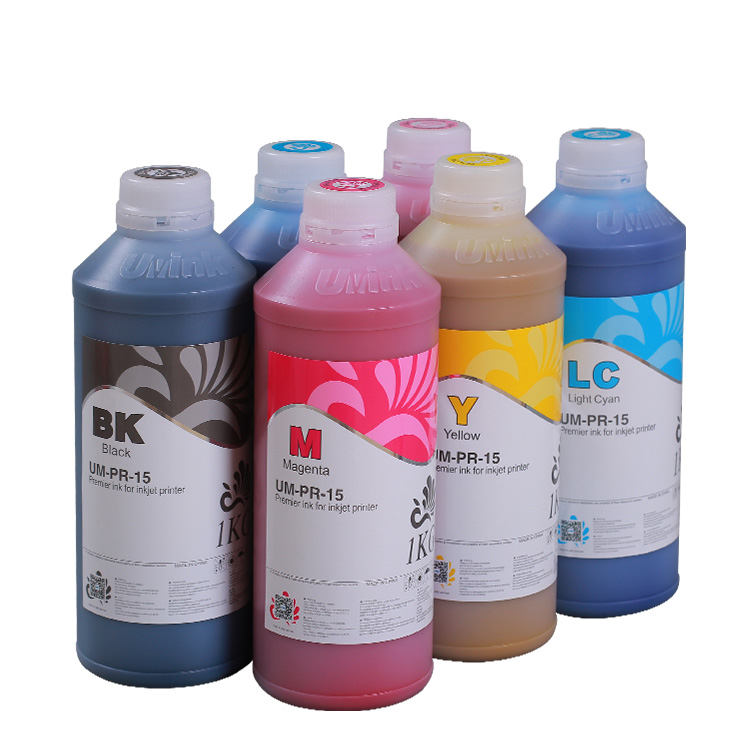 UVINK Eco Solvent Ink – Complete Industrial Buying Guide for Car Wrap Advertising Projects
  Fluorescent Sublimation Ink & Sublimation Printer Ink – Full Industrial UVINK Buyer Guide
  UVINK Economic DTF Ink – Complete Industrial Guide for DTF Printing Ink Users
 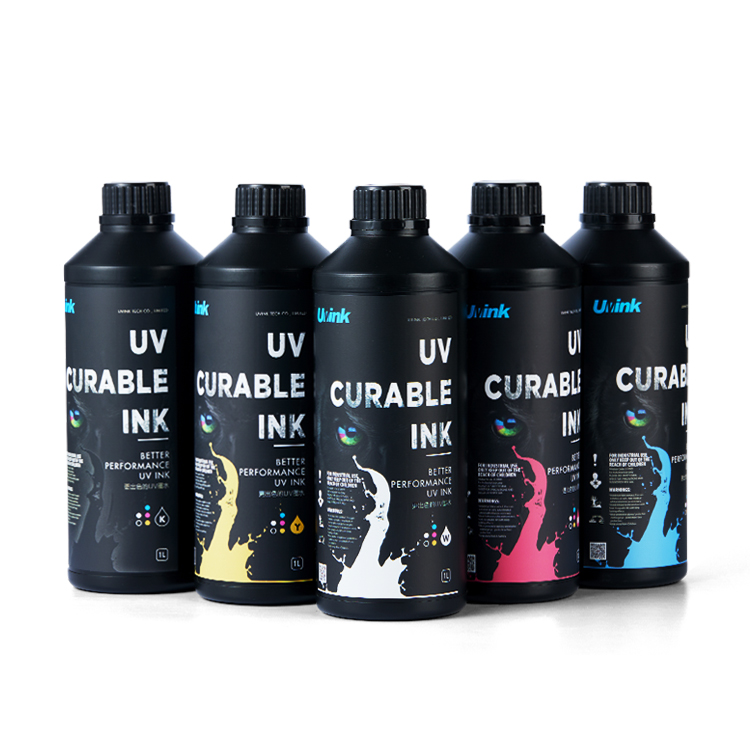 Professional‑Grade UV DTF Ink for High‑Quality UV DTF Prints – UVINK Complete Industrial Buying Guide
 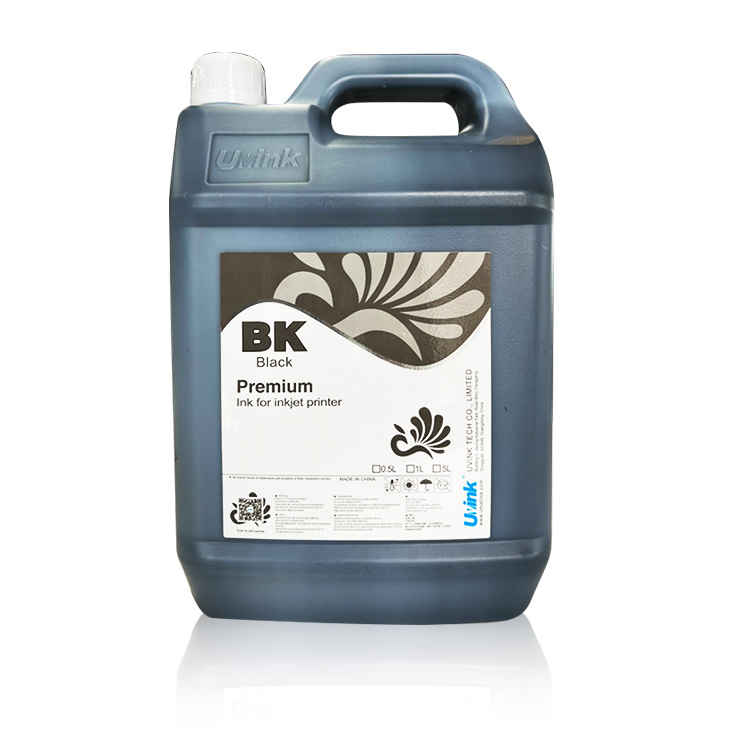 Mild Solvent Ink & Outdoor Advertising Printing – Professional Industrial Guide by UVINK
  Sublimation Ink & Epson Sublimation Ink – Full Industrial Buyer Guide by UVINK
  UVINK UV DTF Ink & What Are UV DTF Stickers – Complete Industrial Guide
 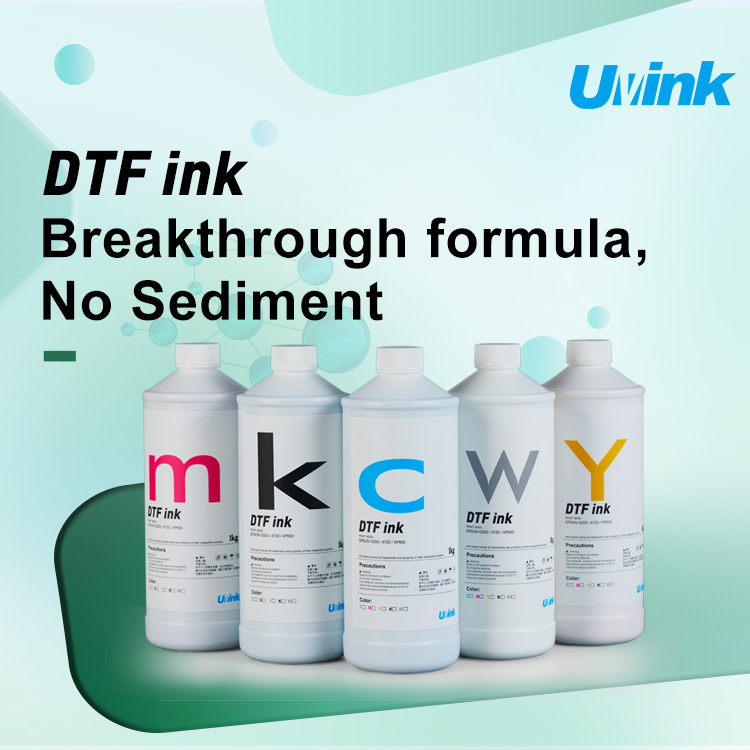 UVINK Economic DTF ink: Complete Buyer Guide for dtf for shirts Printing
  Sublimation Ink & Printer Color Ink: Industrial B2B Technical Guide
  UV DTF Ink & How to Make UV DTF Stickers: Industrial Production Guide
  Solvent Ink for Wide Format Ink Jet Printer: Industrial Technical Guide
  Sublimation Ink: Professional Technical Guide for Epson Printers
  Eco-solvent Ink: Professional Industrial Guide for Epson Pro Printers
  DTF Ink: Professional Industrial Guide for Procolored DTF Printer L1800