
Cracking the Code: Solving Sublimation Ink Clogging Issues
author: UVINK
2025-10-31
Cracking the Code: Solving Sublimation Ink Clogging Issues
Table of Contents
-
Introduction
-
A Deep Dive into Sublimation Ink
-
Unpacking Sublimation Ink Clogging: Symptoms & Root Causes
-
Sublimation Ink vs. DTF Ink: A Head-to-Head Comparison
-
Expert Perspectives on Sublimation Ink Clogging
-
Proven Solutions to Resolve & Prevent Sublimation Ink Clogging
-
Frequently Asked Questions (FAQs)
-
Conclusion
Introduction
For anyone in the custom printing industry—whether running a small boutique or a large-scale production facility—sublimation ink has become a cornerstone of creating vibrant, long-lasting designs on a variety of substrates. From polyester apparel to home decor and personalized gifts, its ability to bond with materials at a molecular level delivers unmatched color vibrancy and durability. However, one persistent challenge plagues even the most experienced printers: sublimation ink clogging. This issue not only disrupts workflow and wastes materials but also risks damaging expensive printer components if left unaddressed. In this blog, we’ll dissect the root causes of sublimation ink clogging, explore how sublimation ink stacks up against DTF ink, and share expert-backed solutions to keep your prints crisp and your operations running smoothly. If you’ve previously explored ink clogging issues in other printing methods, our earlier blog Demystifying the DTF Ink Clogging Issue: Causes, Solutions, and Expert Insights offers complementary insights into DTF-specific challenges.

A Deep Dive into Sublimation Ink
What Is Sublimation Ink, and How Does It Work?
At its core, sublimation ink is a specialized water-based ink designed to undergo a unique physical transformation: sublimation. Unlike traditional inks that dry on the surface of a substrate, sublimation ink turns from a solid to a gas when exposed to high heat (typically 350–400°F/175–200°C) and pressure. This gaseous ink penetrates the pores of polyester or polymer-coated materials, and as it cools, it reverts to a solid state, becoming permanently embedded in the material. This process eliminates issues like cracking, peeling, or fading—making sublimation ink ideal for high-wear items like sportswear and outdoor gear.
General Sublimation Ink Specifications
Not all sublimation inks are created equal, but the following table outlines the general specifications of high-quality, industry-standard sublimation inks:
|
Specification
|
Industry Standard
|
|---|---|
|
Color Set
|
CMYK (Cyan, Magenta, Yellow, Key/Black) + Optional Light Cyan & Light Magenta for enhanced gradients
|
|
Viscosity
|
10–15 cP (centipoise) at 25°C (optimal for consistent droplet formation)
|
|
Surface Tension
|
30–35 mN/m (ensures proper wetting of printer nozzles)
|
|
pH Level
|
7.0–8.5 (neutral to slightly alkaline to protect nozzle integrity)
|
|
Compatible Printer Types
|
Piezoelectric printers (Epson SureColor, Sawgrass Virtuoso, etc.)—not compatible with thermal printers
|
|
Cartridge Capacity
|
100ml–1L (bulk systems available for high-volume printing)
|
|
Shelf Life
|
12–18 months (unopened, stored at 15–25°C away from direct sunlight)
|
|
Optimal Printing Temperature
|
350–400°F (175–200°C) (varies by substrate)
|
Key Applications of Sublimation Ink
Sublimation ink’s unique bonding properties make it indispensable in several industries, including:
-
Apparel: Polyester t-shirts, hoodies, sportswear, and performance fabrics.
-
Home Decor: Cushion covers, curtains, mugs, coasters, and wall art (on polymer-coated surfaces).
-
Promotional Products: Keychains, phone cases, lanyards, and trophies.
-
Photography: Canvas prints, photo panels, and personalized photo gifts.

Unpacking Sublimation Ink Clogging: Symptoms & Root Causes
Common Symptoms of Clogging
Identifying sublimation ink clogging early can save you time and materials. Watch for these telltale signs:
-
Missing Lines or Streaks: Gaps in the print where ink fails to deposit (often vertical, aligned with nozzle positions).
-
Faded or Desaturated Colors: Inconsistent ink flow leads to uneven color coverage, even with correct color settings.
-
Blotchy or Smudged Prints: Clogged nozzles may suddenly release built-up ink, causing blots.
-
Printer Error Messages: Many modern printers detect low ink flow and display “nozzle clog” or “ink system error” alerts.
Root Causes of Sublimation Ink Clogging
Clogging rarely happens by accident—it’s almost always linked to one or more of the following factors:
1. Poor-Quality Sublimation Ink
Low-grade inks often contain impurities or inconsistent pigment particles that settle in the ink lines or nozzles. They may also lack proper surfactants, which prevent ink from drying out in the nozzle plate.
2. Infrequent Printer Use
Sublimation ink is water-based, so it evaporates over time. If a printer sits unused for more than 3–5 days, the ink in the nozzles can dry and form a hard crust that blocks flow. This is the most common cause of clogging in small businesses with irregular print volumes.
3. Improper Storage Conditions
Storing ink cartridges in extreme temperatures (below 10°C or above 30°C) or high humidity can cause the ink to separate, thicken, or develop mold—all of which lead to clogging. Direct sunlight also degrades ink quality over time.
4. Neglected Printer Maintenance
Failing to clean the print head, ink lines, or capping station allows residual ink to build up. The capping station (which seals the nozzles when the printer is off) can become clogged with dried ink, preventing proper sealing and leading to nozzle drying.
5. Incompatible Printer Components
Using non-sublimation-specific cartridges or modifying a thermal printer to use sublimation ink (a common cost-cutting trick) disrupts ink flow. Thermal printers use heat to eject ink, which can cause sublimation ink to cure prematurely in the nozzles.
Sublimation Ink vs. DTF Ink: A Head-to-Head Comparison
To fully understand sublimation ink’s strengths and limitations (including clogging risks), it’s helpful to compare it to DTF (Direct-to-Film) ink—another popular digital printing ink. Below is a detailed breakdown of their key differences, including clogging propensity:
|
Comparison Factor
|
Sublimation Ink
|
DTF Ink
|
|
|---|---|---|---|
|
Printing Process
|
Heat/pressure causes ink to sublimate (solid→gas→solid) and bond with polyester/polymer substrates.
|
Ink is printed onto a PET film, coated with hot-melt powder, then heat-pressed onto any fabric (cotton, polyester, blends).
|
|
|
Color Vibrancy & Detail
|
Exceptional—gaseous ink bonds evenly, delivering sharp gradients and bright, long-lasting colors.
|
Very good—vibrant but may have slight texture (from hot-melt powder); fine details can blur if powder is uneven.
|
|
|
Clogging Risk
|
High—water-based formula dries quickly in nozzles; requires regular use/maintenance.
|
Medium—pigment-based ink is thicker but less prone to drying; clogs often stem from powder residue in printers.
|
|
|
Compatible Substrates
|
Limited to polyester, polymer-coated materials (mugs, metal), or polyester blends (≥50% polyester).
|
Versatile—works on cotton, polyester, linen, leather, and more (no coating required).
|
|
|
Cost
|
Higher upfront—ink costs $0.50–$1.00 per ml; requires specialized piezoelectric printers.
|
Lower upfront—ink costs $0.30–$0.70 per ml; compatible with modified desktop printers + DTF powder ($0.10–$0.20 per print).
|
|
|
Durability
|
Excellent—ink is embedded in the material; resists washing, fading, and peeling (up to 50+ washes).
|
Good—hot-melt adhesive bonds well, but may peel at edges with frequent washing (30–40 washes).
|
|
|
Operation Complexity
|
Moderate—requires precise heat/pressure control; substrate must be pre-tested for compatibility.
|
Low—simpler process (print→powder→press); minimal substrate prep.
|
Expert Perspectives on Sublimation Ink Clogging
To gain deeper insights into addressing sublimation ink clogging, we spoke with Sarah Johnson, a printing technology expert with 15 years of experience in the sublimation and DTF industries and a contributor to our earlier blog Demystifying the DTF Ink Clogging Issue: Causes, Solutions, and Expert Insights.
“The biggest mistake I see with sublimation ink clogging is businesses cutting corners on ink quality or skipping maintenance to save money. A $20 bottle of cheap ink might seem like a deal, but it can cost you $200+ to replace a clogged print head. For infrequent users, I always recommend a ‘weekly purge’—print a test page every 3–4 days to keep ink flowing through the nozzles. It takes 2 minutes and prevents 90% of clogging issues.”
Johnson also emphasized the link between printer type and clogging: “Piezoelectric printers are designed for sublimation ink because they use mechanical pressure (not heat) to eject ink. Modifying a thermal printer is a recipe for disaster—thermal heating elements cure sublimation ink mid-flow, causing instant clogs that are almost impossible to fix.”
Another expert, Michael Chen, a product engineer at a leading sublimation ink manufacturer, added: “Surfactant quality is non-negotiable. Our premium inks include dual-action surfactants that prevent drying and keep pigment particles suspended. If you’re seeing frequent clogs, check the ink’s viscosity—if it’s thicker than 15 cP, it’s either expired or stored incorrectly.”
Proven Solutions to Resolve & Prevent Sublimation Ink Clogging
1. Resolving Existing Clogs
If you already notice clogging symptoms, try these steps (in order of increasing intensity):
-
Printer’s Built-In Cleaning Function: Most printers have a “head cleaning” or “nozzle check” option. Run this 2–3 times (allowing 5 minutes between cycles) to clear minor clogs.
-
Manual Head Soak: Remove the print head (refer to your printer’s manual) and soak it in a specialized sublimation ink cleaning solution (not water) for 30–60 minutes. Gently pat dry with a lint-free cloth before reinstalling.
-
Syringe Flush: For severe clogs, use a blunt-tip syringe filled with cleaning solution to flush the ink lines (only attempt this if you’re comfortable with printer disassembly).
2. Preventing Future Clogs
Prevention is far easier (and cheaper) than fixing clogs. Adopt these habits:
-
Use High-Quality Sublimation Ink: Invest in ink from reputable brands (e.g., Sawgrass, Epson, Cosmos) that meet industry viscosity and pH standards.
-
Print Regularly: Even a small test page once every 3 days keeps ink flowing and prevents drying.
-
Store Ink Properly: Keep unopened cartridges in a cool (15–25°C), dry place. Once opened, use the ink within 6 months.
-
Schedule Monthly Maintenance: Clean the print head, capping station, and ink lines with a lint-free cloth and cleaning solution. Replace worn parts (e.g., capping pads) annually.
-
Shut Down Correctly: Always use the printer’s “power off” button (never unplug it) to ensure the capping station seals the nozzles properly.
Frequently Asked Questions (FAQs)
Q1: How can I tell if a clog is from ink quality or a faulty print head?
A: Run a nozzle check pattern. If clogs appear in the same positions across multiple cleaning cycles, it may be a faulty print head. To test ink quality, replace the current ink with a new, high-quality cartridge and run another nozzle check. If the clog clears, the original ink was the issue.
Q2: Can I mix different brands of sublimation ink?
A: No. Different brands use different pigment formulas and surfactants. Mixing them can cause chemical reactions (e.g., coagulation or sedimentation) that create severe clogs and damage the print head.
Q3: My printer is used daily—why am I still getting clogs?
A: Daily use reduces but doesn’t eliminate clogs. Check your storage conditions (e.g., is the printer near a heater or open window?) and maintenance routine. Even daily use requires monthly deep cleaning of the capping station, which can collect residual ink over time.
Q4: Is it worth repairing a severely clogged print head, or should I replace it?
A: It depends on cost. Print head replacement typically costs $150–$500. If a professional cleaning (costing $50–$100) fails to resolve the clog, replacement is usually more cost-effective—especially if the print head is more than 2 years old.
Q5: Can sublimation ink clogging damage my printer permanently?
A: Yes, if left unaddressed. Dried ink can corrode the print head’s piezoelectric elements or block ink lines entirely. Catching clogs early and performing regular maintenance avoids permanent damage.
Conclusion
Sublimation ink is unparalleled for creating vibrant, durable prints—but its water-based formula makes clogging a persistent challenge. By understanding the root causes (poor ink quality, infrequent use, neglected maintenance) and adopting proactive habits (regular printing, high-quality supplies, monthly cleaning), you can minimize downtime and protect your printer investment. As our experts emphasized, prevention is key—small, consistent efforts save you from costly repairs and wasted materials.
If you work with both sublimation and DTF printing, be sure to check out our earlier guide Demystifying the DTF Ink Clogging Issue: Causes, Solutions, and Expert Insights for tips on addressing clogging in DTF systems. Have you found a foolproof method for preventing sublimation ink clogs? Share your experience in the comments below—we’d love to hear from you!
 Sublimation Ink Buying Guide for sublimation printer ink | UVINK
  DTF ink Selection Guide for dtg dtf printer | UVINK
  UV DTF Ink: What Is UV DTF for Digital Printing?
  Economic DTF Ink for DTF Printer Procolored – No‑Clog, Cost‑Effective Industrial Printing Solution
  Economic‑Grade DTF Ink – Complete Industrial Guide: How To Make DTF Transfers With Inkjet Printer
  Industrial‑Grade UV DTF Ink – Complete Buying Guide for UV DTF Stickers for Tumblers Production
  UVINK Eco Solvent Ink – Complete Industrial Buying Guide for Car Wrap Advertising Projects
  Fluorescent Sublimation Ink & Sublimation Printer Ink – Full Industrial UVINK Buyer Guide
  UVINK Economic DTF Ink – Complete Industrial Guide for DTF Printing Ink Users
 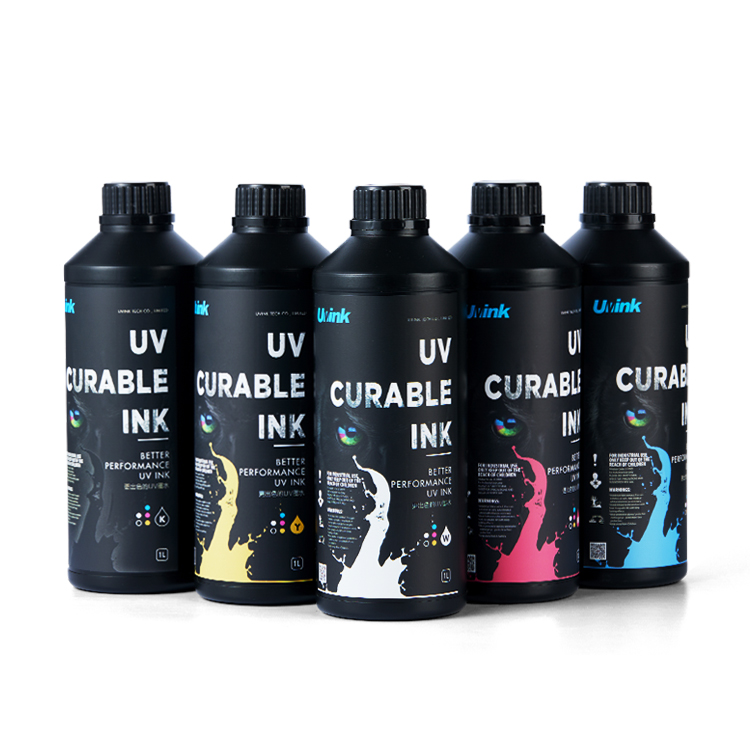 Professional‑Grade UV DTF Ink for High‑Quality UV DTF Prints – UVINK Complete Industrial Buying Guide
 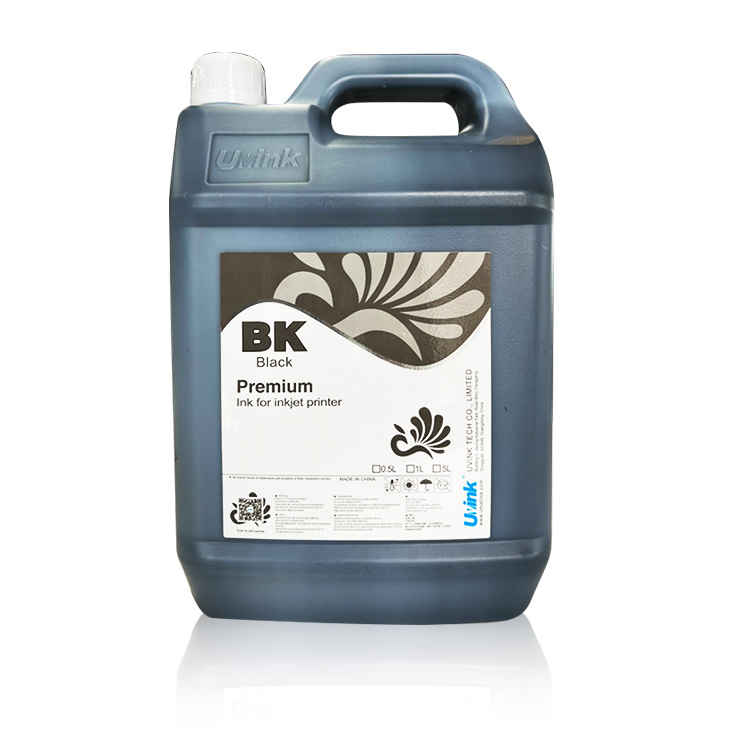 Mild Solvent Ink & Outdoor Advertising Printing – Professional Industrial Guide by UVINK
  Sublimation Ink & Epson Sublimation Ink – Full Industrial Buyer Guide by UVINK
  UVINK UV DTF Ink & What Are UV DTF Stickers – Complete Industrial Guide
 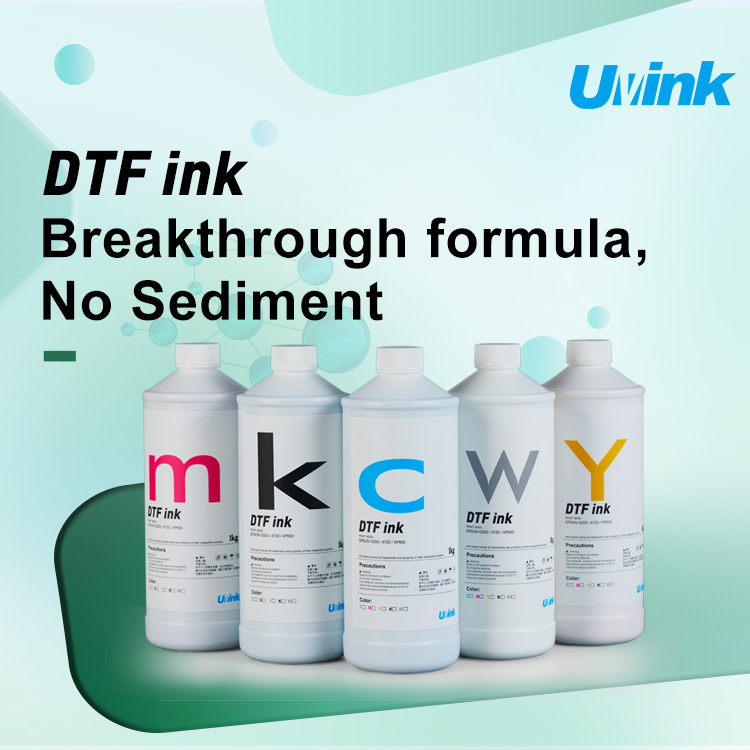 UVINK Economic DTF ink: Complete Buyer Guide for dtf for shirts Printing
  Sublimation Ink & Printer Color Ink: Industrial B2B Technical Guide
  UV DTF Ink & How to Make UV DTF Stickers: Industrial Production Guide
  Solvent Ink for Wide Format Ink Jet Printer: Industrial Technical Guide
  Sublimation Ink: Professional Technical Guide for Epson Printers
  Eco-solvent Ink: Professional Industrial Guide for Epson Pro Printers
  DTF Ink: Professional Industrial Guide for Procolored DTF Printer L1800