
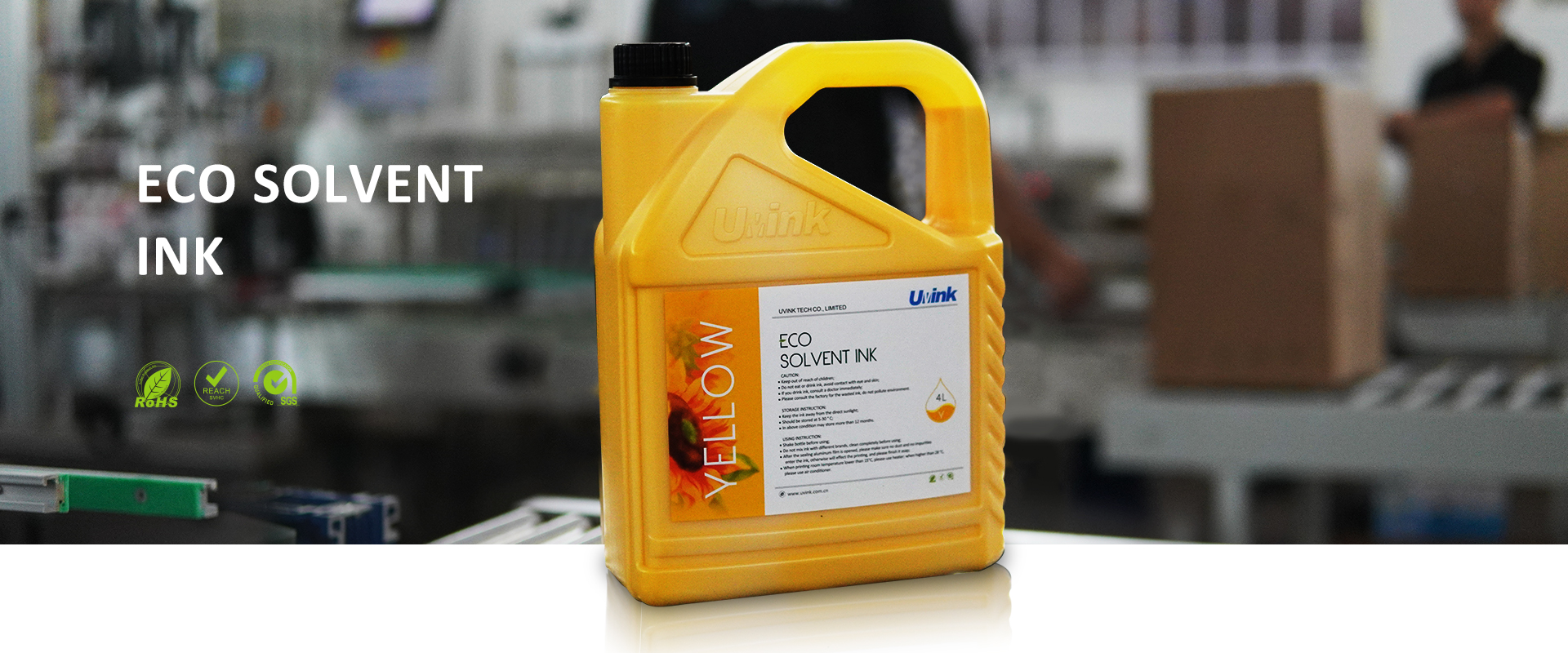
What should I pay attention to when adding ink to the uv flatbed printer?
author: Uvink
2022-11-30
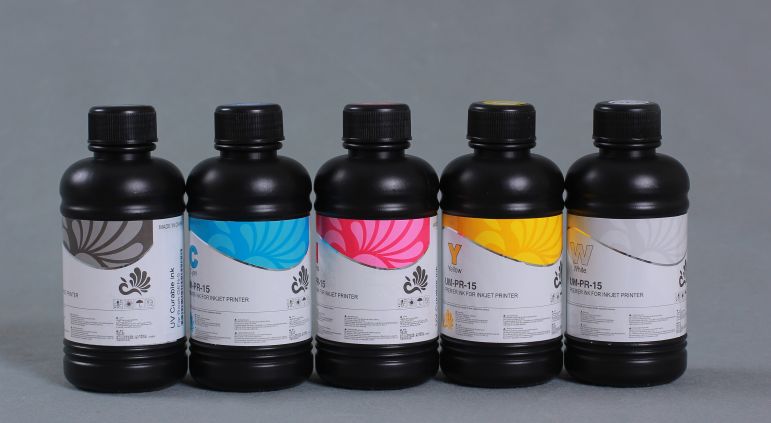
What should I pay attention to when adding ink to the uv flatbed printer?When the uv ink
is used up, the operator will add more ink for it, but do not operate carelessly because of such
a simple operation. Because if the ink is added improperly, it will not only lose ink, but also
cause damage to the machine. Therefore, the operator must follow the steps step by step when
adding ink, and pay special attention to the following details! Note 1: If the ink indicator is
always on, the ink cartridge may not be installed correctly. This requires the operator to remove
the ink cartridge according to the above steps and then reinsert it. Note 2: If the ink cartridge
is installed in the wrong slot, no ink cartridge will appear on the LCD, and you need to reinstall
it immediately. Note 3: If the 220ml ink cartridge is installed at one time, do not close the ink
cartridge cover after installation. Note 4: Even if only one ink cartridge is empty, the uv flatbed
printer cannot print, so once an empty ink cartridge is found, a new ink cartridge must be added.

What should I pay attention to when adding ink to the uv flatbed printer?Pay attention to the
following points when storing uv ink! Be sure to keep the ink cartridge out of the reach of children
and do not drink ink. The ink cartridges you bought should be kept in a cool dark place.If the ink
gets on the skin accidentally when adding ink, wash it thoroughly with soap and water. In case of
eye contact, rinse immediately with clean water. If you still feel uncomfortable after cleaning, please
go to the hospital for examination. In order to achieve better results and prevent clogging of
the nozzle, please use up the ink within 3 months after the first startup. When the indicator light of
the printer flashes, it indicates that the ink volume is low and the ink cartridge needs to be replaced.
is used up, the operator will add more ink for it, but do not operate carelessly because of such
a simple operation. Because if the ink is added improperly, it will not only lose ink, but also
cause damage to the machine. Therefore, the operator must follow the steps step by step when
adding ink, and pay special attention to the following details! Note 1: If the ink indicator is
always on, the ink cartridge may not be installed correctly. This requires the operator to remove
the ink cartridge according to the above steps and then reinsert it. Note 2: If the ink cartridge
is installed in the wrong slot, no ink cartridge will appear on the LCD, and you need to reinstall
it immediately. Note 3: If the 220ml ink cartridge is installed at one time, do not close the ink
cartridge cover after installation. Note 4: Even if only one ink cartridge is empty, the uv flatbed
printer cannot print, so once an empty ink cartridge is found, a new ink cartridge must be added.
What should I pay attention to when adding ink to the uv flatbed printer?Pay attention to the
following points when storing uv ink! Be sure to keep the ink cartridge out of the reach of children
and do not drink ink. The ink cartridges you bought should be kept in a cool dark place.If the ink
gets on the skin accidentally when adding ink, wash it thoroughly with soap and water. In case of
eye contact, rinse immediately with clean water. If you still feel uncomfortable after cleaning, please
go to the hospital for examination. In order to achieve better results and prevent clogging of
the nozzle, please use up the ink within 3 months after the first startup. When the indicator light of
the printer flashes, it indicates that the ink volume is low and the ink cartridge needs to be replaced.
 Sublimation Ink Buying Guide for sublimation printer ink | UVINK
  DTF ink Selection Guide for dtg dtf printer | UVINK
  UV DTF Ink: What Is UV DTF for Digital Printing?
  Economic DTF Ink for DTF Printer Procolored – No‑Clog, Cost‑Effective Industrial Printing Solution
  Economic‑Grade DTF Ink – Complete Industrial Guide: How To Make DTF Transfers With Inkjet Printer
  Industrial‑Grade UV DTF Ink – Complete Buying Guide for UV DTF Stickers for Tumblers Production
  UVINK Eco Solvent Ink – Complete Industrial Buying Guide for Car Wrap Advertising Projects
  Fluorescent Sublimation Ink & Sublimation Printer Ink – Full Industrial UVINK Buyer Guide
  UVINK Economic DTF Ink – Complete Industrial Guide for DTF Printing Ink Users
 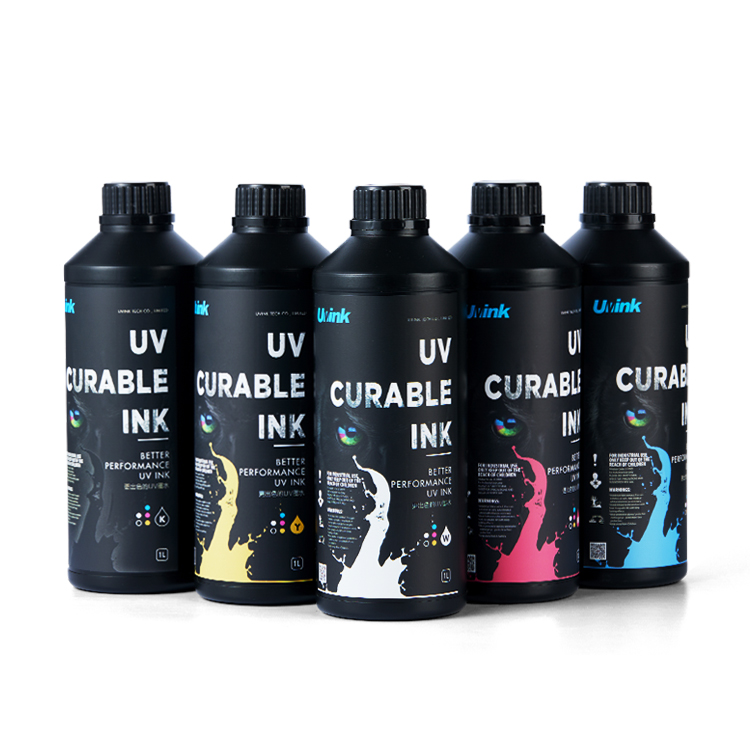 Professional‑Grade UV DTF Ink for High‑Quality UV DTF Prints – UVINK Complete Industrial Buying Guide
 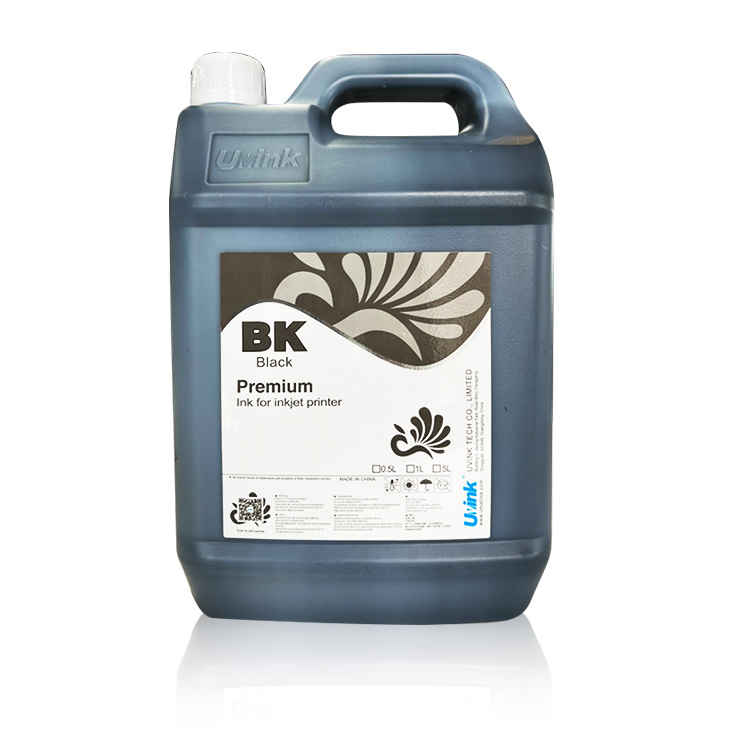 Mild Solvent Ink & Outdoor Advertising Printing – Professional Industrial Guide by UVINK
  Sublimation Ink & Epson Sublimation Ink – Full Industrial Buyer Guide by UVINK
  UVINK UV DTF Ink & What Are UV DTF Stickers – Complete Industrial Guide
 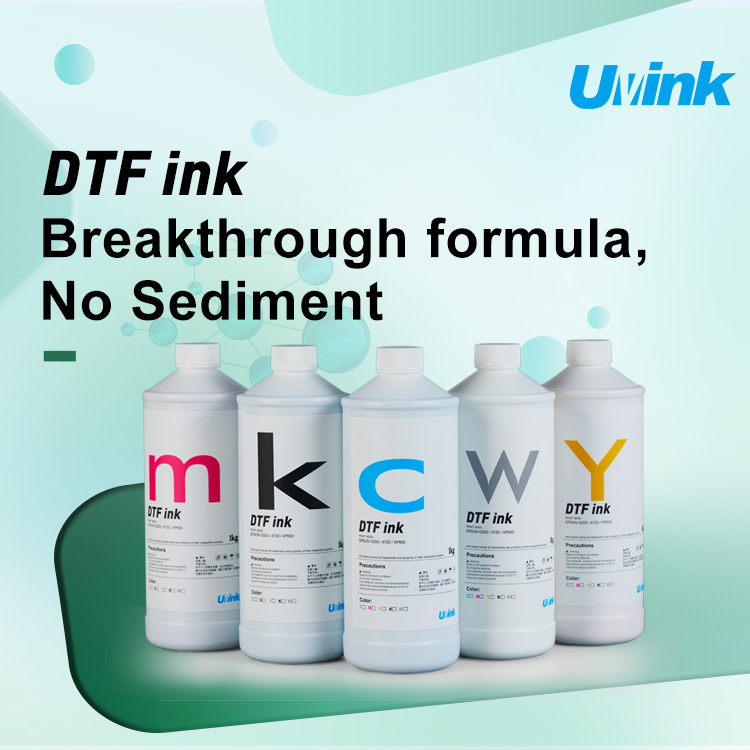 UVINK Economic DTF ink: Complete Buyer Guide for dtf for shirts Printing
  Sublimation Ink & Printer Color Ink: Industrial B2B Technical Guide
  UV DTF Ink & How to Make UV DTF Stickers: Industrial Production Guide
  Solvent Ink for Wide Format Ink Jet Printer: Industrial Technical Guide
  Sublimation Ink: Professional Technical Guide for Epson Printers
  Eco-solvent Ink: Professional Industrial Guide for Epson Pro Printers
  DTF Ink: Professional Industrial Guide for Procolored DTF Printer L1800