
How to check uv printer uv ink curing?
There are four common methods for uv ink curing inspection in uv printers:
1. Pencil hardness test. The technical conditions for uv ink use include pencil
hardness. According to this requirement, we can use a pencil hardness tester
for testing. If Reaching the requirement proves that the ink has been fully cured.
2. Test with the method of dropping solvent. As mentioned above, there are
also solvent-resistant items in the technical conditions of uv inks, because after
the ink is completely cured, the internal molecular structure will change,
and it will be converted to double bonds. The ink forms a solid coating as a whole.
According to the performance of solvent resistance, drop the propionic acid
solution on the surface of the board for 2 minutes. If there is no change,
it proves that the ink has been completely cured after being irradiated by the uv lamp.

3. Pressure method inspection, this method is derived from the detection method of
paint. Choose a 500g weight with a flat bottom surface, put a few silk fibers on
the surface cured by uv, and then press the weight on the cotton fiber for 2~3min,
then remove the weight, if the cotton fiber does not stick to the surface
Prove that the surface is fully cured.
4. Appearance observation method, the fully cured uv ink has a bright surface,
and there is no hair virtual phenomenon, and there is no ghost shadow on the edge,
which is also one of the important characteristics for judging that the ink is completely
cured by the uv lamp. When it is found that the uv ink of the uv printer is not completely
cured, it needs to be solved by the following methods: 1. Check whether the power of
the uv-led lamp is normal. Keep the indoor temperature between 15-30°C,
which is conducive to the curing of uv ink; 3. If there is moisture on the surface of
the material, it will also affect the curing of uv ink. Before printing, it must be wiped
clean in advance. 4. The uv ink has expired. Usually the shelf life of uv ink is within 1 year.
If it exceeds the time, it cannot be used and needs to be replaced with new uv ink.
 Sublimation Ink Buying Guide for sublimation printer ink | UVINK
  DTF ink Selection Guide for dtg dtf printer | UVINK
  UV DTF Ink: What Is UV DTF for Digital Printing?
  Economic DTF Ink for DTF Printer Procolored – No‑Clog, Cost‑Effective Industrial Printing Solution
  Economic‑Grade DTF Ink – Complete Industrial Guide: How To Make DTF Transfers With Inkjet Printer
  Industrial‑Grade UV DTF Ink – Complete Buying Guide for UV DTF Stickers for Tumblers Production
 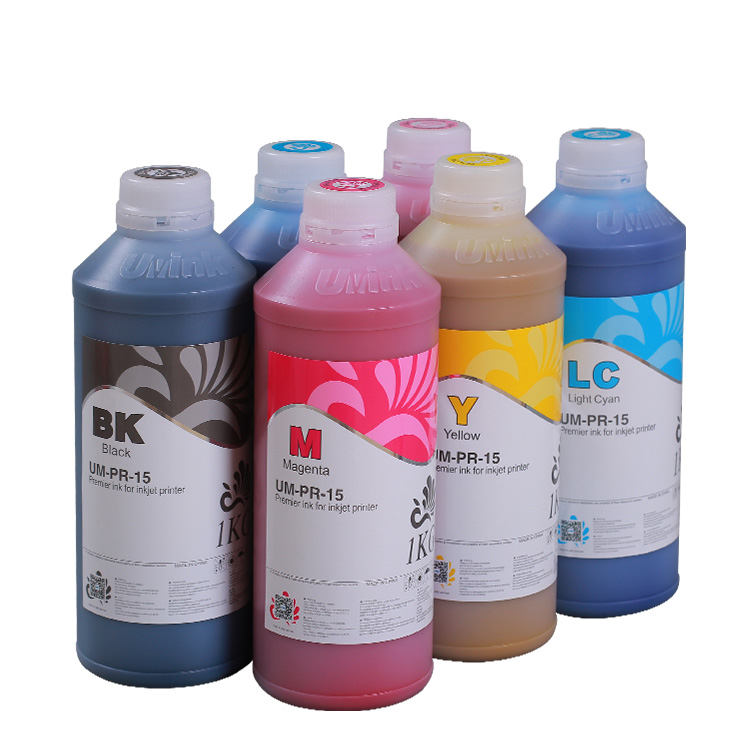 UVINK Eco Solvent Ink – Complete Industrial Buying Guide for Car Wrap Advertising Projects
 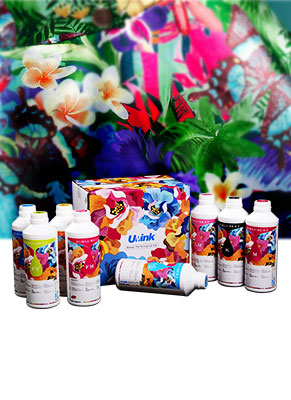 Fluorescent Sublimation Ink & Sublimation Printer Ink – Full Industrial UVINK Buyer Guide
  UVINK Economic DTF Ink – Complete Industrial Guide for DTF Printing Ink Users
 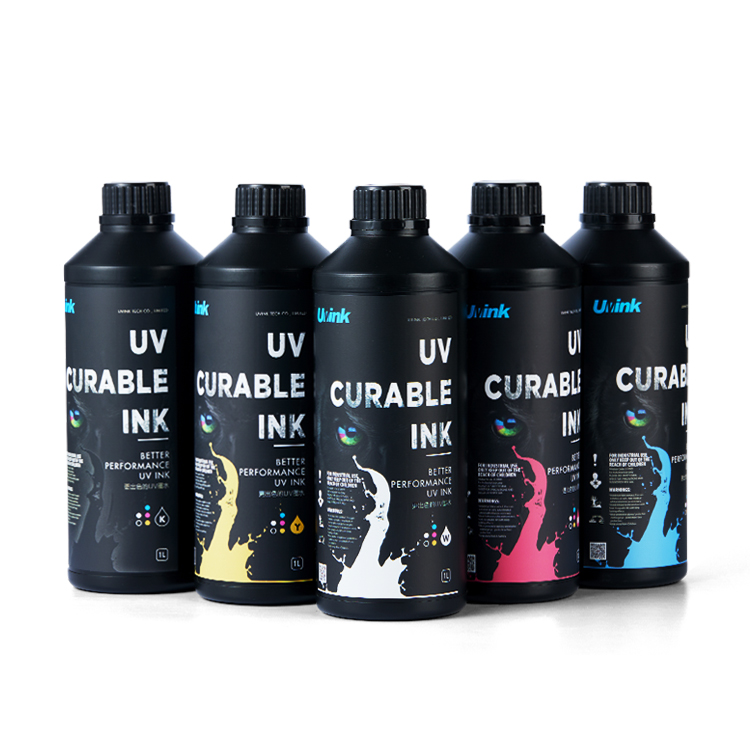 Professional‑Grade UV DTF Ink for High‑Quality UV DTF Prints – UVINK Complete Industrial Buying Guide
 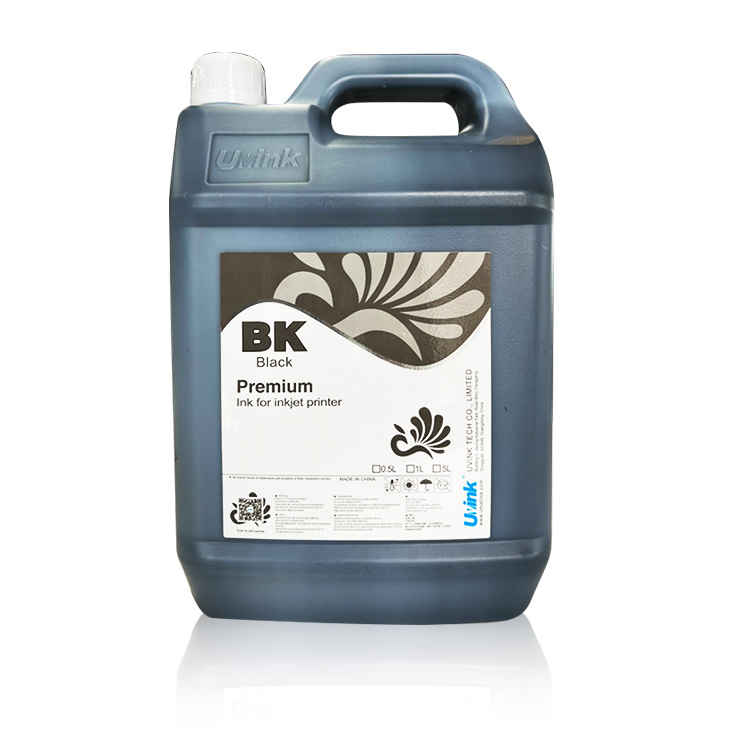 Mild Solvent Ink & Outdoor Advertising Printing – Professional Industrial Guide by UVINK
  Sublimation Ink & Epson Sublimation Ink – Full Industrial Buyer Guide by UVINK
  UVINK UV DTF Ink & What Are UV DTF Stickers – Complete Industrial Guide
 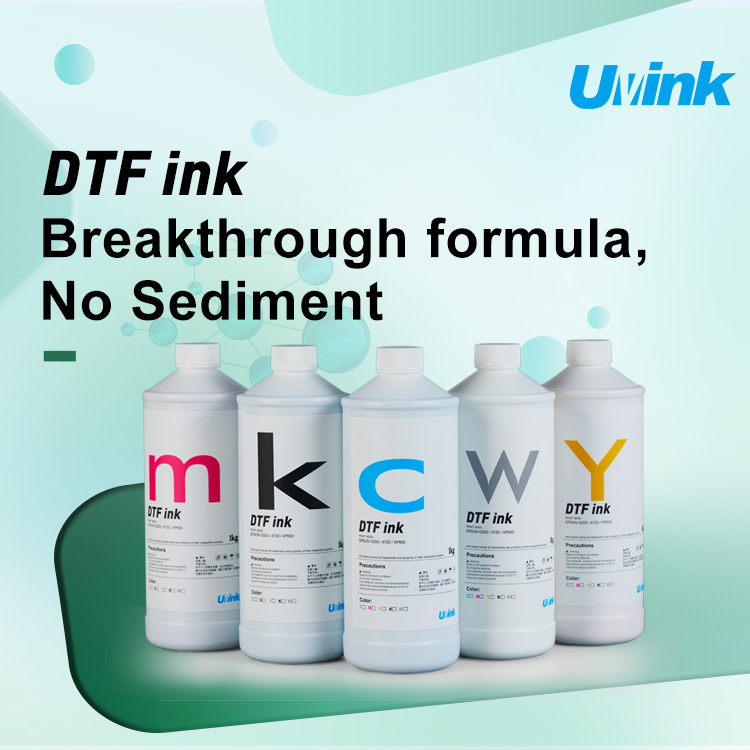 UVINK Economic DTF ink: Complete Buyer Guide for dtf for shirts Printing
  Sublimation Ink & Printer Color Ink: Industrial B2B Technical Guide
  UV DTF Ink & How to Make UV DTF Stickers: Industrial Production Guide
  Solvent Ink for Wide Format Ink Jet Printer: Industrial Technical Guide
  Sublimation Ink: Professional Technical Guide for Epson Printers
  Eco-solvent Ink: Professional Industrial Guide for Epson Pro Printers
  DTF Ink: Professional Industrial Guide for Procolored DTF Printer L1800