
How to ensure the image quality in UV flat-panel printing?
author: Uvink
2023-01-04
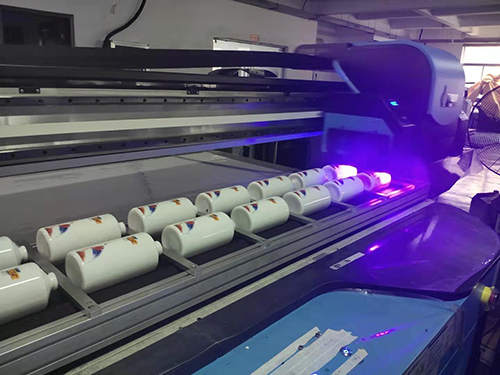
In the production of UV flat panel ink-jet printing, the image quality will be made wrong
due to factors such as nozzle failure, media placement and height adjustment, mainly
because the nozzle drops ink, leaks ink, or the nozzle is too close to the material medium,
causing the nozzle to brush the media surface and damage the image quality. UV flat panel
printing materials must be placed flat, which will be much better for equipment with air
suction device. Of course, another reason is that the printing material is too transparent
or too thick. At this time, you need to reload the printing materials to ensure the smooth
surface, and replace the opaque printing materials.
Occasional ink drops occur during UV flat panel ink-jet printing. This is usually because
the filter in the air filter on the secondary ink tank is wet, resulting in poor ventilation.
How to ensure the image quality in UV flat-panel printing?

This may also be caused by dirt such as fine hair and dust on the UV flat panel ink-jet
printing head. When these dirt accumulates to a certain extent, the ink sprayed by UV
ink-jet will automatically drip. To solve this problem, the air filter needs to be replaced,
and the nozzle needs to be cleaned with special cleaning solution. A detailed inspection
should be carried out on the two edges of the light box cloth to see if there is any extra
burr. If there is any burr, it can be simply handled with a lighter.
After the printing data is transferred, the indicator light of UV flat-panel ink-jet printing
will keep flashing. Even if the Start key is pressed, UV flat-panel ink-jet printing still cannot
be printed. This is also a common fault in the production of UV flat panel inkjet printing,
which is difficult for inexperienced operators to handle.
It should be noted that if the UV flat panel inkjet printer performs an incorrect print termination
operation during the printing process, even if the printing work is stopped, there will still be
some residual print data transferred to the inkjet printer, and the print data is still retained in
its memory. However, in the view of the UV flat panel inkjet printer, the data is invalid, and
the printing work cannot be realized, It will also cause the subsequent printing work to be abnormal.
due to factors such as nozzle failure, media placement and height adjustment, mainly
because the nozzle drops ink, leaks ink, or the nozzle is too close to the material medium,
causing the nozzle to brush the media surface and damage the image quality. UV flat panel
printing materials must be placed flat, which will be much better for equipment with air
suction device. Of course, another reason is that the printing material is too transparent
or too thick. At this time, you need to reload the printing materials to ensure the smooth
surface, and replace the opaque printing materials.
Occasional ink drops occur during UV flat panel ink-jet printing. This is usually because
the filter in the air filter on the secondary ink tank is wet, resulting in poor ventilation.
How to ensure the image quality in UV flat-panel printing?
This may also be caused by dirt such as fine hair and dust on the UV flat panel ink-jet
printing head. When these dirt accumulates to a certain extent, the ink sprayed by UV
ink-jet will automatically drip. To solve this problem, the air filter needs to be replaced,
and the nozzle needs to be cleaned with special cleaning solution. A detailed inspection
should be carried out on the two edges of the light box cloth to see if there is any extra
burr. If there is any burr, it can be simply handled with a lighter.
After the printing data is transferred, the indicator light of UV flat-panel ink-jet printing
will keep flashing. Even if the Start key is pressed, UV flat-panel ink-jet printing still cannot
be printed. This is also a common fault in the production of UV flat panel inkjet printing,
which is difficult for inexperienced operators to handle.
It should be noted that if the UV flat panel inkjet printer performs an incorrect print termination
operation during the printing process, even if the printing work is stopped, there will still be
some residual print data transferred to the inkjet printer, and the print data is still retained in
its memory. However, in the view of the UV flat panel inkjet printer, the data is invalid, and
the printing work cannot be realized, It will also cause the subsequent printing work to be abnormal.
 Sublimation Ink Buying Guide for sublimation printer ink | UVINK
  DTF ink Selection Guide for dtg dtf printer | UVINK
  UV DTF Ink: What Is UV DTF for Digital Printing?
  Economic DTF Ink for DTF Printer Procolored – No‑Clog, Cost‑Effective Industrial Printing Solution
  Economic‑Grade DTF Ink – Complete Industrial Guide: How To Make DTF Transfers With Inkjet Printer
  Industrial‑Grade UV DTF Ink – Complete Buying Guide for UV DTF Stickers for Tumblers Production
  UVINK Eco Solvent Ink – Complete Industrial Buying Guide for Car Wrap Advertising Projects
  Fluorescent Sublimation Ink & Sublimation Printer Ink – Full Industrial UVINK Buyer Guide
  UVINK Economic DTF Ink – Complete Industrial Guide for DTF Printing Ink Users
 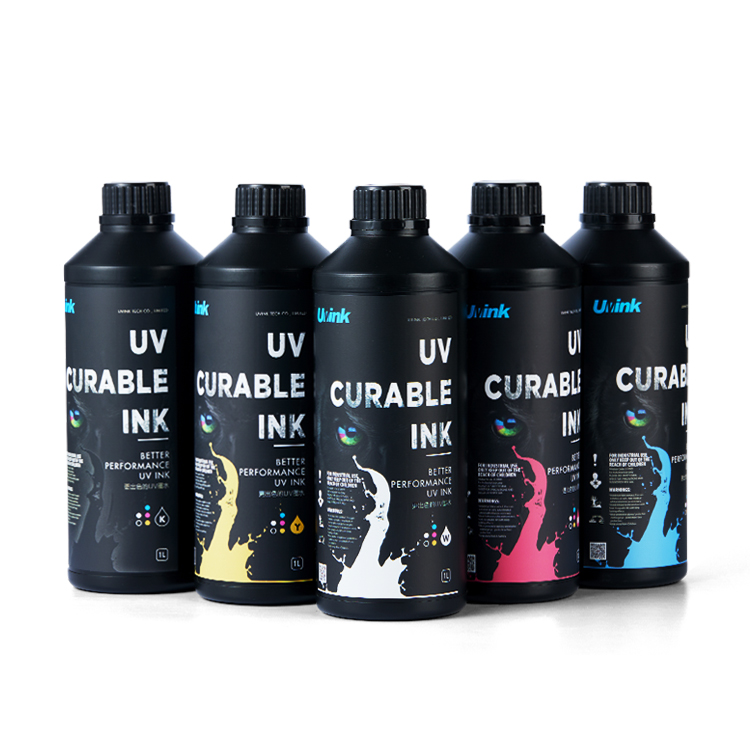 Professional‑Grade UV DTF Ink for High‑Quality UV DTF Prints – UVINK Complete Industrial Buying Guide
 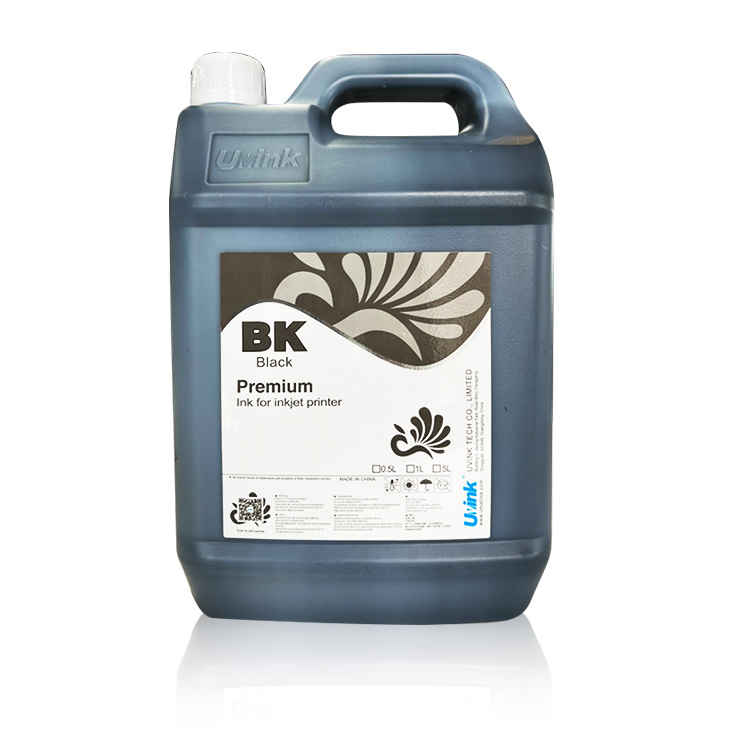 Mild Solvent Ink & Outdoor Advertising Printing – Professional Industrial Guide by UVINK
  Sublimation Ink & Epson Sublimation Ink – Full Industrial Buyer Guide by UVINK
  UVINK UV DTF Ink & What Are UV DTF Stickers – Complete Industrial Guide
 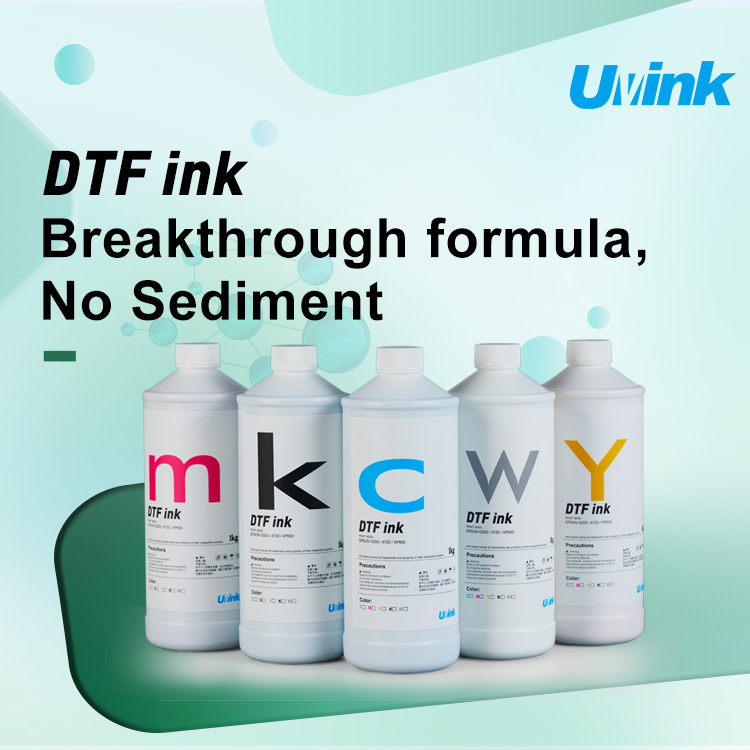 UVINK Economic DTF ink: Complete Buyer Guide for dtf for shirts Printing
  Sublimation Ink & Printer Color Ink: Industrial B2B Technical Guide
  UV DTF Ink & How to Make UV DTF Stickers: Industrial Production Guide
  Solvent Ink for Wide Format Ink Jet Printer: Industrial Technical Guide
 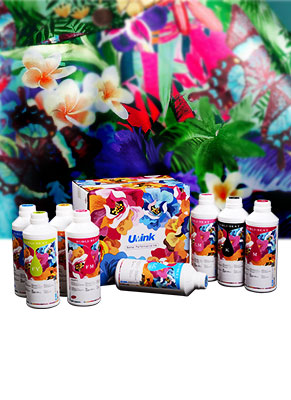 Sublimation Ink: Professional Technical Guide for Epson Printers
  Eco-solvent Ink: Professional Industrial Guide for Epson Pro Printers
  DTF Ink: Professional Industrial Guide for Procolored DTF Printer L1800