
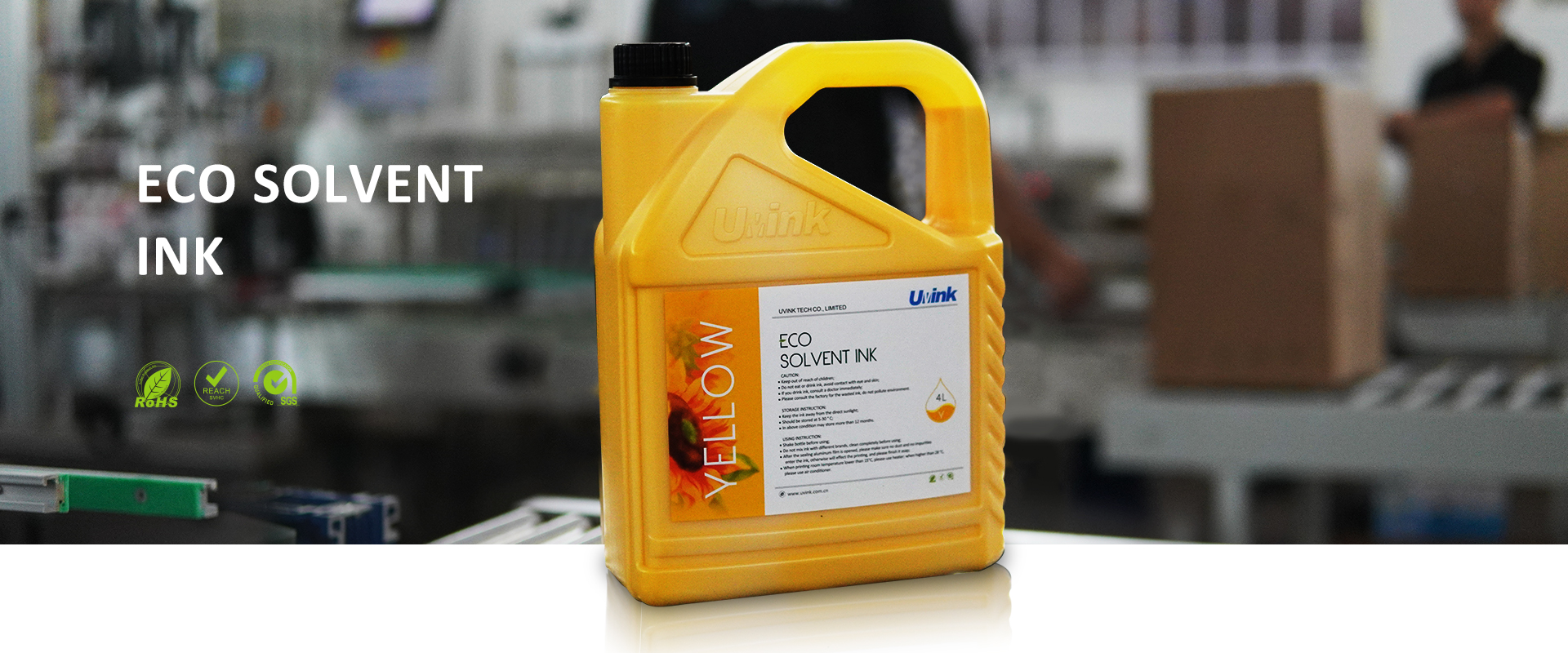
How to use inkjet printer correctly in high temperature environment?
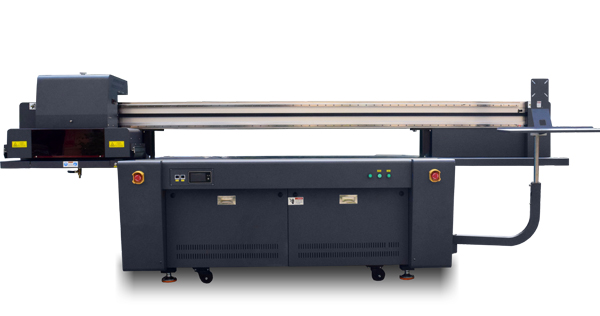
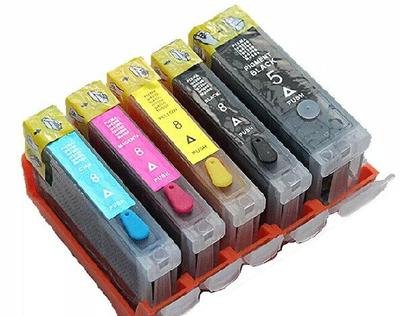
1. Store the ink cartridges correctly. The unopened ink cartridges should be stored in
a cool environment. If the temperature is too high, the ink will evaporate too quickly
and affect the quality of the ink cartridges. If it is an unpacked ink cartridge, it must
be installed in the printer. If the ink cartridge is placed outside the printer with protection,
it may also accelerate the aging of the ink cartridge, the loss will increase,
and it may directly affect the printer.
2. Regularly maintain the printer. The printer needs regular maintenance, and it needs
to be turned on and printed for a while at regular intervals. Regularly turned on and
printed can prevent the ink from drying up and plugging, and can also reduce the ink
used to clean the ink cartridges. To a certain extent, it is The cost of printing is reduced,
and the time that is delayed due to problems can also be reduced.
3. Keep the printer turned on. If it is working hours, it is best to keep the printer turned
on all the time. Don’t turn it off after printing a few pages, and then turn it on again
after a while. The power consumption of the printer in the standby state is very small,
and the power consumption is not too large. After the printer is turned on,
it can automatically maintain the ink cartridges. When the printer ink cartridges are
kept in good condition, the chance of the ink cartridges becoming dry and plugged
can be greatly reduced.
4. Shut down according to the procedure correctly. When you need to turn off the printer,
be sure to turn off the printer according to the correct shutdown procedure,
use the power button to turn it off, and then unplug it after the power light goes out.
In this way, the character carriage and the ink cartridge will automatically reset to
the position of the protection station, and the protection cover will cover the nozzle of
the ink cartridge to delay the drying of the ink in the nozzle.
 Sublimation Ink Buying Guide for sublimation printer ink | UVINK
  DTF ink Selection Guide for dtg dtf printer | UVINK
  UV DTF Ink: What Is UV DTF for Digital Printing?
  Economic DTF Ink for DTF Printer Procolored – No‑Clog, Cost‑Effective Industrial Printing Solution
  Economic‑Grade DTF Ink – Complete Industrial Guide: How To Make DTF Transfers With Inkjet Printer
  Industrial‑Grade UV DTF Ink – Complete Buying Guide for UV DTF Stickers for Tumblers Production
 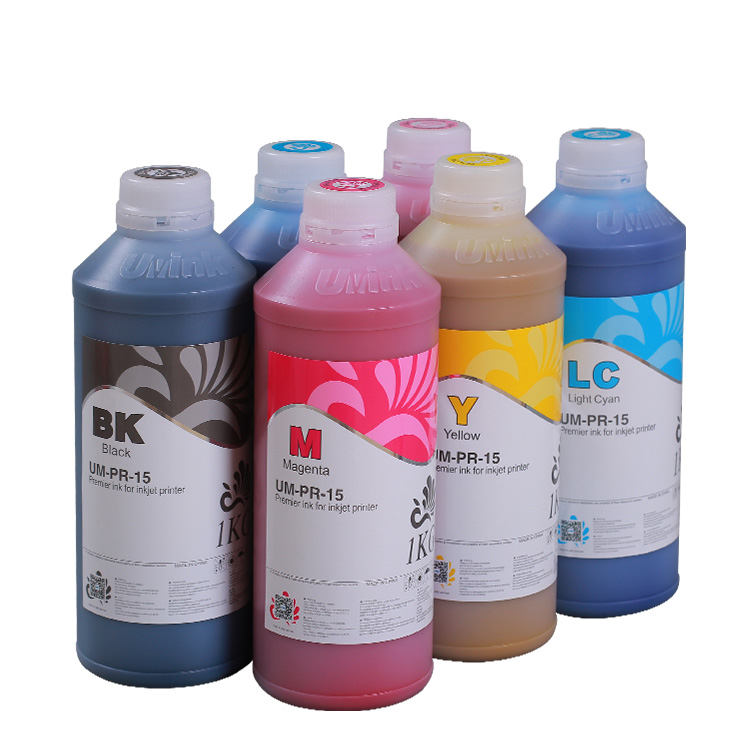 UVINK Eco Solvent Ink – Complete Industrial Buying Guide for Car Wrap Advertising Projects
 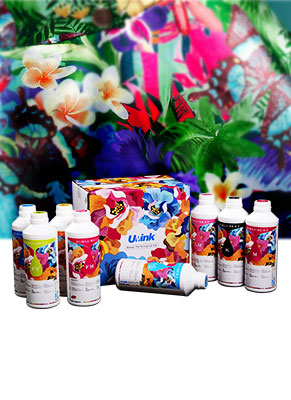 Fluorescent Sublimation Ink & Sublimation Printer Ink – Full Industrial UVINK Buyer Guide
  UVINK Economic DTF Ink – Complete Industrial Guide for DTF Printing Ink Users
 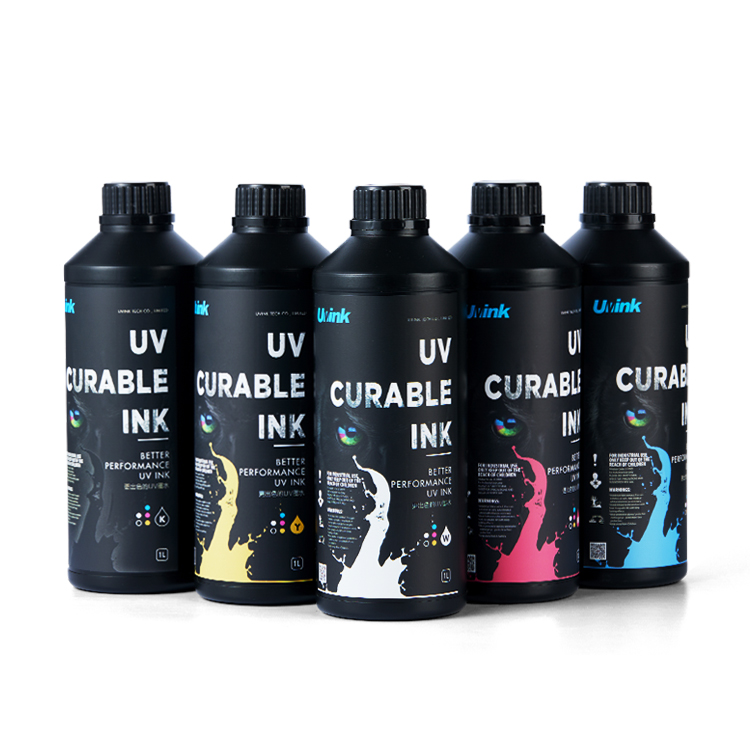 Professional‑Grade UV DTF Ink for High‑Quality UV DTF Prints – UVINK Complete Industrial Buying Guide
 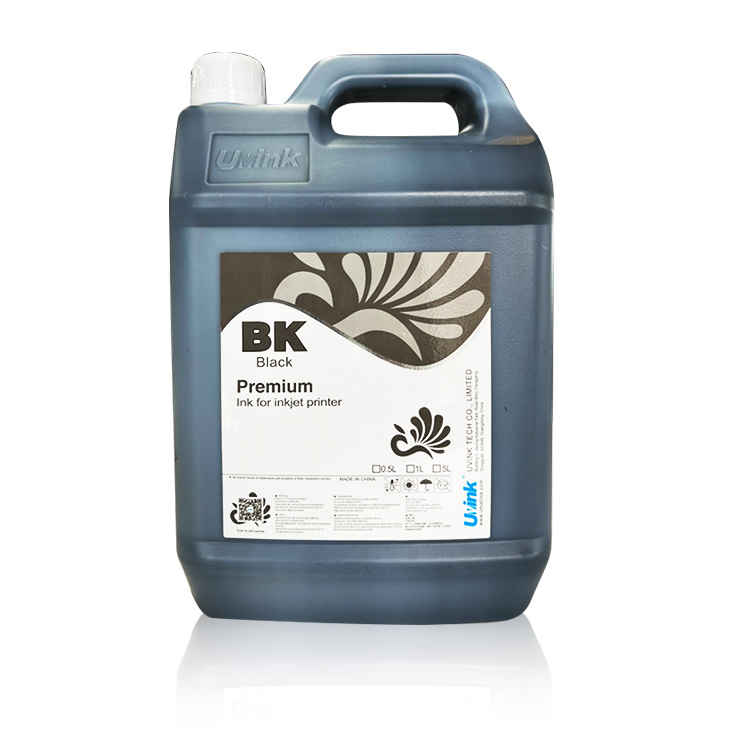 Mild Solvent Ink & Outdoor Advertising Printing – Professional Industrial Guide by UVINK
  Sublimation Ink & Epson Sublimation Ink – Full Industrial Buyer Guide by UVINK
  UVINK UV DTF Ink & What Are UV DTF Stickers – Complete Industrial Guide
 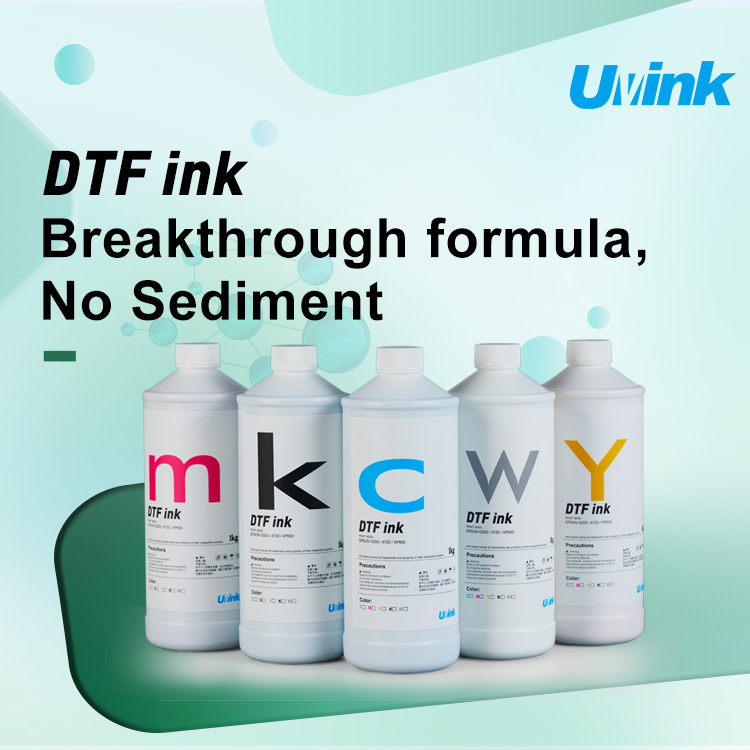 UVINK Economic DTF ink: Complete Buyer Guide for dtf for shirts Printing
  Sublimation Ink & Printer Color Ink: Industrial B2B Technical Guide
  UV DTF Ink & How to Make UV DTF Stickers: Industrial Production Guide
  Solvent Ink for Wide Format Ink Jet Printer: Industrial Technical Guide
 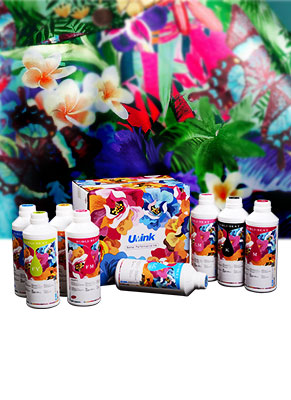 Sublimation Ink: Professional Technical Guide for Epson Printers
  Eco-solvent Ink: Professional Industrial Guide for Epson Pro Printers
  DTF Ink: Professional Industrial Guide for Procolored DTF Printer L1800