
How to ensure proper curing of uv ink?
author: Uvink
2022-12-28
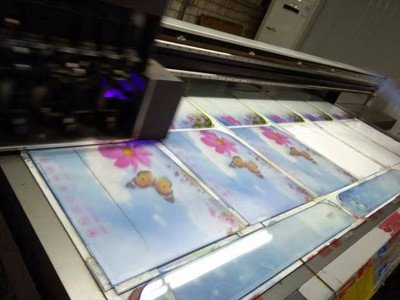
How to ensure proper curing of uv ink?The curing of the ink film when it first
passes through the curing unit is very important. Proper curing can minimize
the deformation, over curing, re wetting and insufficient curing of the substrate,
and optimize the viscosity between ink and humor or coating and coating. In order
to test the curing efficiency of uv ink, start printing at the lowest speed allowed by
the substrate, and cure the first printed sample. Then, set the curing lamp power
to the value specified by the ink manufacturer. When dealing with colors that are
not easy to cure, such as black and white, we can also appropriately adjust
the parameters of the curing lamp.
How to ensure proper curing of uv ink?After the printing sheet cools down,
we can measure the adhesion of the ink film with the bidirectional hatching method.
If the sample can pass the test successfully, the paper transfer speed can be increased
by 10 feet/minute, and then printing and testing can be carried out until the ink film
loses its adhesion to the substrate, and the conveyor belt speed and curing lamp
parameters at this time can be recorded. Then, according to the characteristics of
the ink system or the recommendations of the ink supplier, the speed of the conveyor
belt can be reduced by 20-30%.

If the color of uv ink does not overlap, should you care about excessive curing? When
the surface of an ink film absorbs too much uv light, excessive curing will occur. If we
can't find a solution to this problem in time, the surface of the ink film will become
harder and harder. Of course, as long as we do not carry out color overprint, we do
not need to pay too much attention to this problem. However, we need to consider
another important factor, that is, the printed film or substrate. uv light can affect most
substrate surfaces and some plastics sensitive to uv light of specific wavelength. This
sensitivity to specific wavelengths, coupled with oxygen in the air, can lead to degradation
of the plastic surface. The molecular bonds on the surface of the substrate may be damaged,
and the adhesion between the uv ink and the substrate may be lost. The degradation of
substrate surface function is a gradual process, and has a direct relationship
with the uv light received.
passes through the curing unit is very important. Proper curing can minimize
the deformation, over curing, re wetting and insufficient curing of the substrate,
and optimize the viscosity between ink and humor or coating and coating. In order
to test the curing efficiency of uv ink, start printing at the lowest speed allowed by
the substrate, and cure the first printed sample. Then, set the curing lamp power
to the value specified by the ink manufacturer. When dealing with colors that are
not easy to cure, such as black and white, we can also appropriately adjust
the parameters of the curing lamp.
How to ensure proper curing of uv ink?After the printing sheet cools down,
we can measure the adhesion of the ink film with the bidirectional hatching method.
If the sample can pass the test successfully, the paper transfer speed can be increased
by 10 feet/minute, and then printing and testing can be carried out until the ink film
loses its adhesion to the substrate, and the conveyor belt speed and curing lamp
parameters at this time can be recorded. Then, according to the characteristics of
the ink system or the recommendations of the ink supplier, the speed of the conveyor
belt can be reduced by 20-30%.
If the color of uv ink does not overlap, should you care about excessive curing? When
the surface of an ink film absorbs too much uv light, excessive curing will occur. If we
can't find a solution to this problem in time, the surface of the ink film will become
harder and harder. Of course, as long as we do not carry out color overprint, we do
not need to pay too much attention to this problem. However, we need to consider
another important factor, that is, the printed film or substrate. uv light can affect most
substrate surfaces and some plastics sensitive to uv light of specific wavelength. This
sensitivity to specific wavelengths, coupled with oxygen in the air, can lead to degradation
of the plastic surface. The molecular bonds on the surface of the substrate may be damaged,
and the adhesion between the uv ink and the substrate may be lost. The degradation of
substrate surface function is a gradual process, and has a direct relationship
with the uv light received.
 Sublimation Ink Buying Guide for sublimation printer ink | UVINK
  DTF ink Selection Guide for dtg dtf printer | UVINK
  UV DTF Ink: What Is UV DTF for Digital Printing?
  Economic DTF Ink for DTF Printer Procolored – No‑Clog, Cost‑Effective Industrial Printing Solution
  Economic‑Grade DTF Ink – Complete Industrial Guide: How To Make DTF Transfers With Inkjet Printer
  Industrial‑Grade UV DTF Ink – Complete Buying Guide for UV DTF Stickers for Tumblers Production
  UVINK Eco Solvent Ink – Complete Industrial Buying Guide for Car Wrap Advertising Projects
  Fluorescent Sublimation Ink & Sublimation Printer Ink – Full Industrial UVINK Buyer Guide
  UVINK Economic DTF Ink – Complete Industrial Guide for DTF Printing Ink Users
 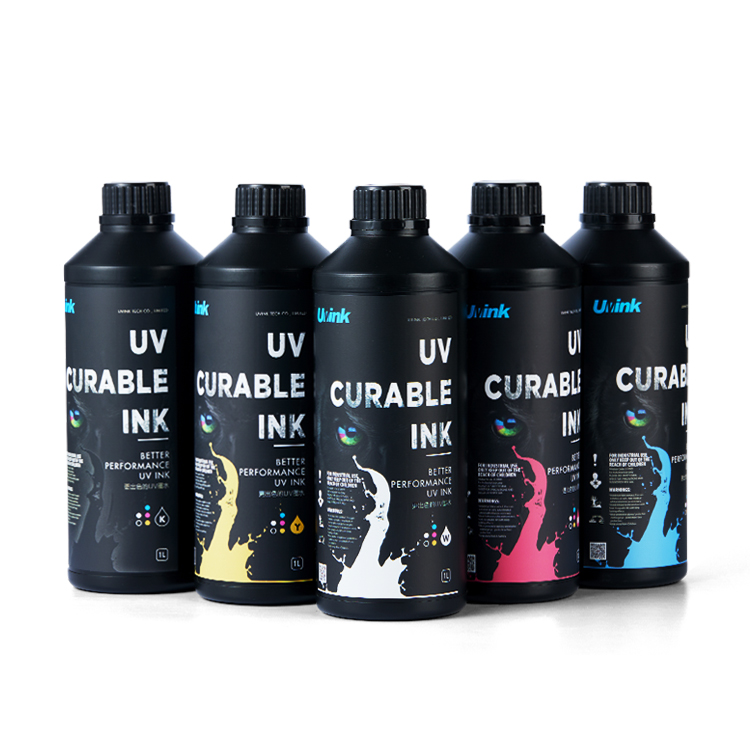 Professional‑Grade UV DTF Ink for High‑Quality UV DTF Prints – UVINK Complete Industrial Buying Guide
 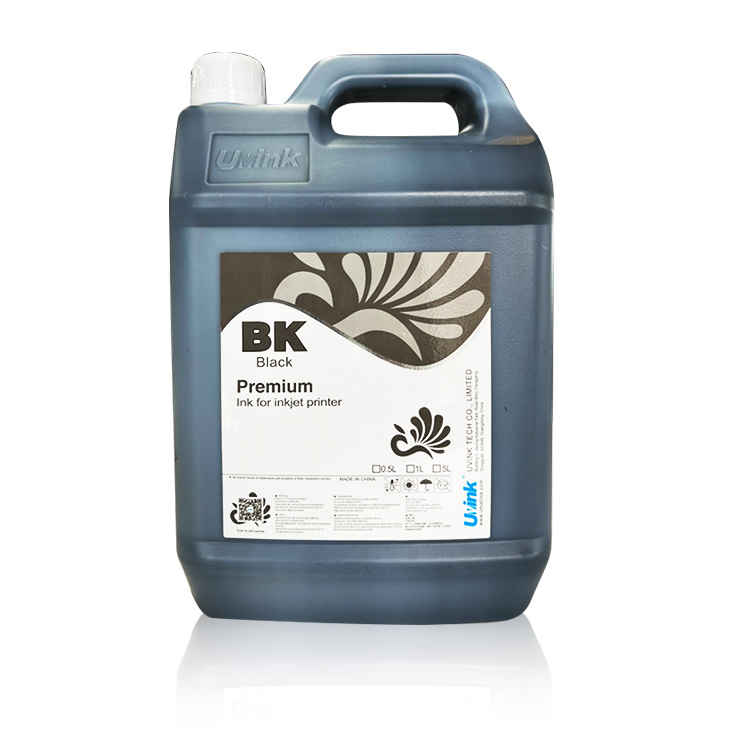 Mild Solvent Ink & Outdoor Advertising Printing – Professional Industrial Guide by UVINK
  Sublimation Ink & Epson Sublimation Ink – Full Industrial Buyer Guide by UVINK
  UVINK UV DTF Ink & What Are UV DTF Stickers – Complete Industrial Guide
 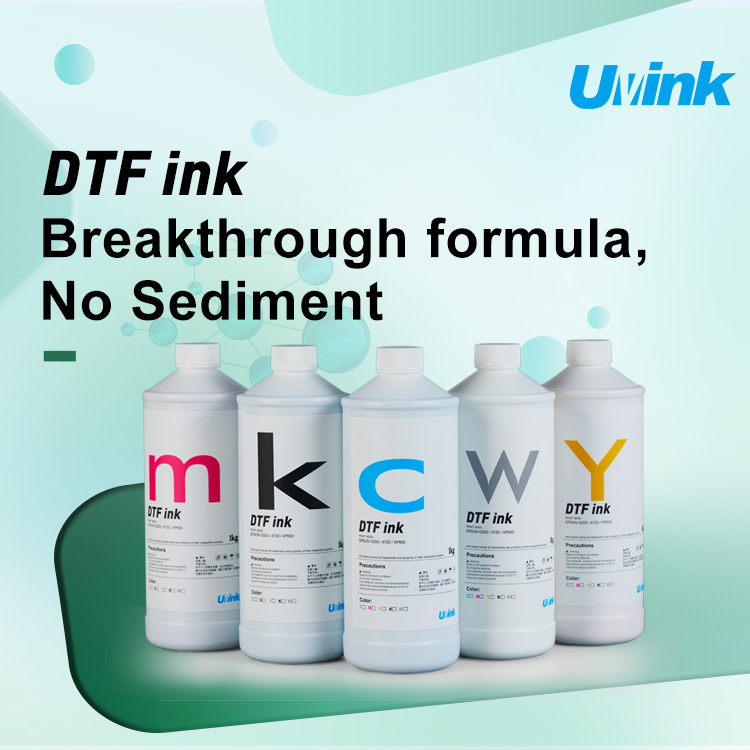 UVINK Economic DTF ink: Complete Buyer Guide for dtf for shirts Printing
  Sublimation Ink & Printer Color Ink: Industrial B2B Technical Guide
  UV DTF Ink & How to Make UV DTF Stickers: Industrial Production Guide
  Solvent Ink for Wide Format Ink Jet Printer: Industrial Technical Guide
  Sublimation Ink: Professional Technical Guide for Epson Printers
  Eco-solvent Ink: Professional Industrial Guide for Epson Pro Printers
  DTF Ink: Professional Industrial Guide for Procolored DTF Printer L1800